It’s been a while since my last update. For the past few months I’ve been working on a couple of projects …
New Blog Theme
I’ve updated the look of the blog using the Magazine Theme from Organic Themes. The transition was really easy and I’m using the theme without any custom coding. One of the things I like about the new theme is that as a responsive theme it looks great on smartphones and tablets.
Weather on the Balcony
The other project is the introduction of a weather page on the blog. I’ve always enjoyed watching the weather. And over the years a series of western facing apartments and offices have afforded a view of approaching weather systems – the predominant weather pattern for those of us on the East Coast of the United States.
As an amateur weather watcher I decide to invest in some weather observing gear. I’m using a Davis Vantage Vue Wireless Weather Station and a Davis Vantage Pro2 console. Now keep in mind that with a highly accurate weather observation system it’s possible to join an international community of weather observers to share data. There are very stringent recommendations on the placement and siting of participating weather observation systems to ensure the accuracy of data collected. Well I’m not going to be joining the international community of weather observers. My system doesn’t met any of the criteria for proper placement. I live in a condo on the fourth floor! I don’t have a yard! Instead I have a 6′ x12′ balcony. So my weather system documents the microclimate of my balcony – which is okay by me!
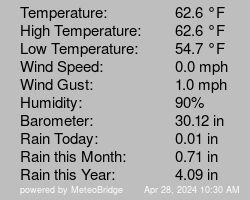
Weather data appears in a couple of places on the blog. On the right hand side of the home page the On the Balcony … box lists current temperature, today’s high, today’s low, wind speed, today’s maximum wind gust, humidity, barometric pressure, today’s rain, rain this month, and rain since the beginning of the year. The data in the On the Balcony … box is updated every ten minutes.
Over on the weather page similar data is presented in graphic form with the addition of gauges for dew point, windchill, and wind direction …

… And if you are really into data, the All-In-One chart combines the last three months of temperature, wind, relative humidity, barometric pressure, and rain fall into a single interactive graph …

So here is how this works. The Vantage Vue connects wirelessly to the Vantage Pro2 console. Data from the console is sent via an Ethernet cable to a TP-Link TL-MR3020 portable router flashed with Meteoplug client software. Meteoplug is a cloud-based weather graphic system. Data collected by my weather system is sent from the router to Meteoplug’s server in Germany. I log into Meteoplug to customize the graphics included here on the blog and then include the links on the homepage and weather page so the graphics show up. It’s really a great setup and once things are in place it runs automatically. Now you can I can check the weather On the Balcony … at any time and you can too! Let me know what you think.
Enjoy!!
Shortly after Photoshop World 2013 I bought a DJI Phantom 1 quadcopter. I’ve spent most of the fall working to perfect my flying technique. Now that I am getting comfortable with flying I’ve begun shooting some video using a GoPro Hero 3 mounted to the Phantom and finding the best GoPro settings for quadcopter video. Above is my latest effort – early morning over a softball field in my neighborhood, using a GoPro Hero 3 (ProTune/1080p/60 fps) and edited in Final Cut Pro X. I used a couple of plugins (GoPro Fisheye Fixer and GoPro HDR) to improve the video quality and concentrated on smooth flying for better shots. As a winter project, I’m thinking about adding a video gimbal mount for increased stability.
Definitely an improvement over my initial effort edited in GoPro Studio …
This week I’m in Las Vegas attending the Photoshop World 2013 conference for several days of photography and Lightroom workshops – starting today with Flight Training for Photographers. This is an all day seminar about learning to fly the DJI Phantom quadcopter. Lots of fun and the creative possibilities for aerial photography and video with a GoPro mounted to the airframe are intriguing. And I’ve already got a GoPro. Hmmm …

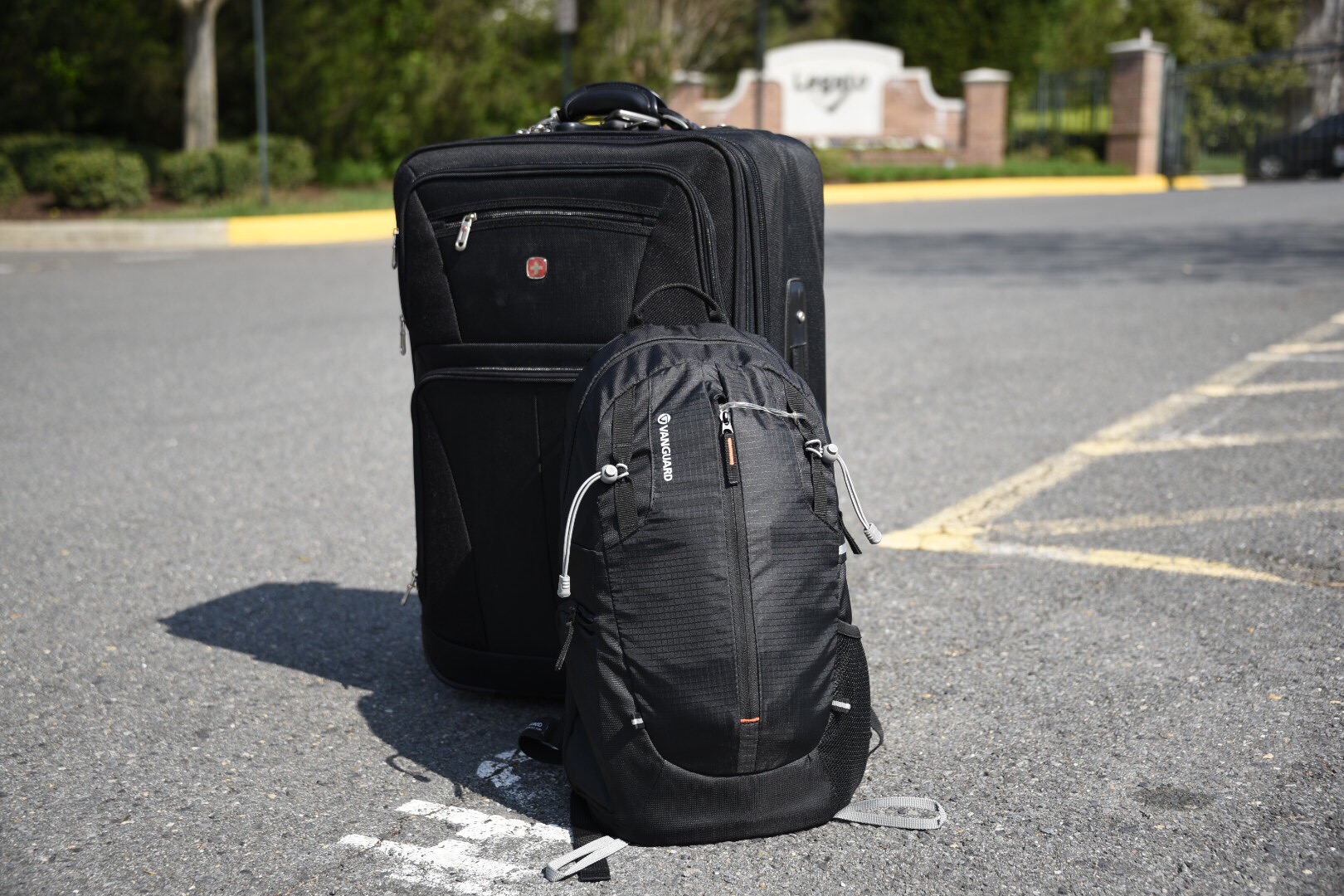
Two weeks after returning from the Galápagos Islands Adventure I’m finally done transferring the trip photo and video files from the SD cards to the computer. The transfer was delayed by a hard drive failure, but the drive is replaced, the most recent backup is restored, and now I’m back on track. Seems like a good time to review the workflow I used while on the trip and now back at home.
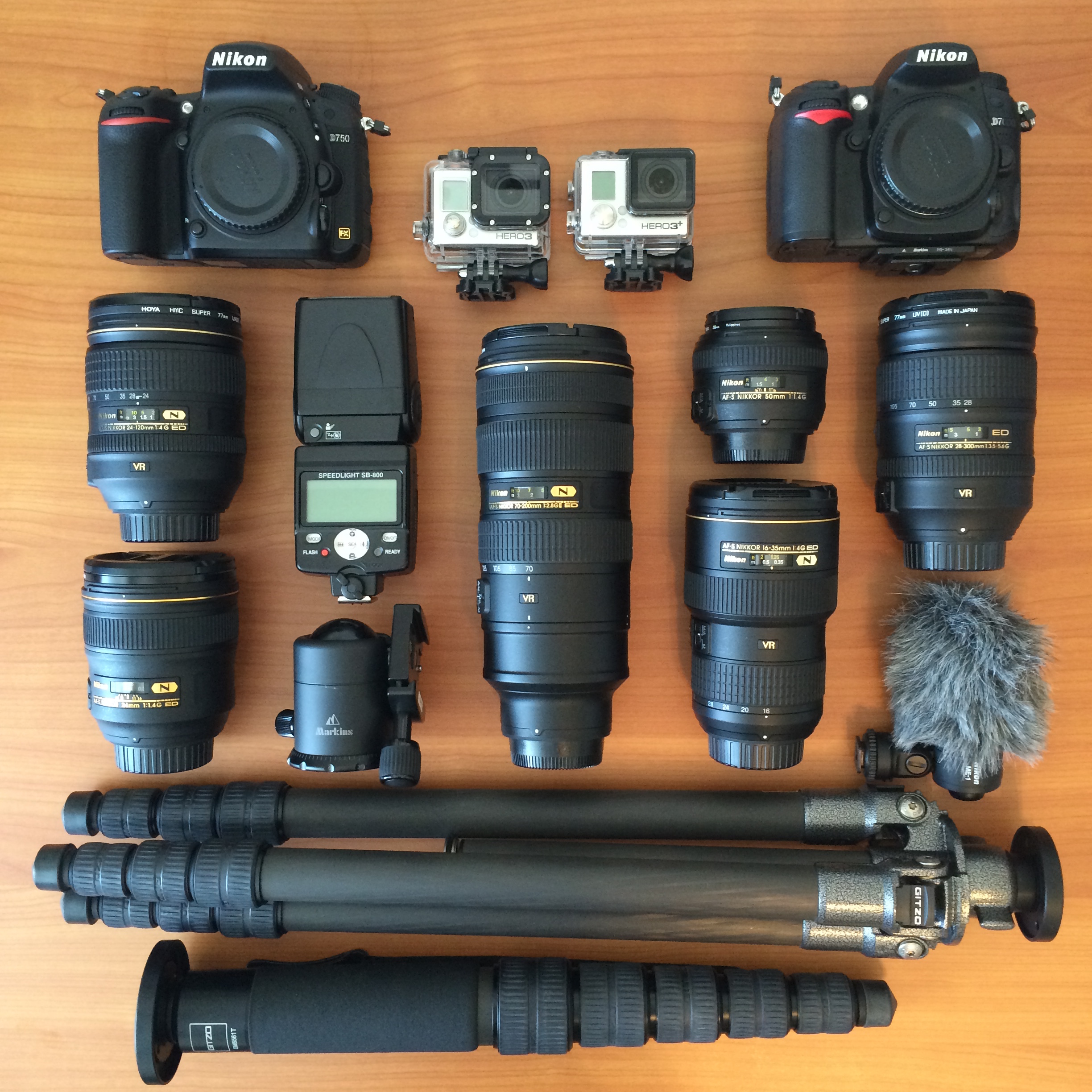
The Nikon D600 holds two SDHC memory cards. For this trip I brought along two 32 GB Lexar Professional SDHC Class 10 cards for primary storage and two 16 GB Lexar Professional SDHC Class 10 cards for backup.

At roughly 30 MB per raw photo (NEF format), each 32 GB card should hold about 600 images. I used a 32 GB card in Slot 1 of the D600 to store the raw files. In Slot 2 I used a 16 GB Eye-Fi Pro X2 SDHC card, with the D600 set to store medium size backup JPEGs at about 2 MB per image. Normally I set the resolution of backup JPEGs at full size, but the medium size seems to work better with Eye-Fi transfer to other devices. (More about that part of the workflow in a bit.) The D600 is also set to store movie files on the Eye-Fi card. At the end of the trip I had 930 images on the 32 GB card in Slot 1 totaling 25.76 gigabytes. That’s a shooting ratio of about 100 images per day – pretty normal for me on a sightseeing trip. The Eye-Fi card in Slot 2 held 220 movie files. The backup JPEGs and the movie files totaled 8.32 gigabytes on the Eye-Fi card. I also brought along a GoPro Hero 3 Black with a Transcend 32 GB microSDHC Class 10 card.

I used the GoPro to record 73 mostly underwater movie files totaling about 6 gigabytes. Between the D600 and GoPro I digitized about 1 hour and 11 minutes of video – more than twice as much compared to previous trips.
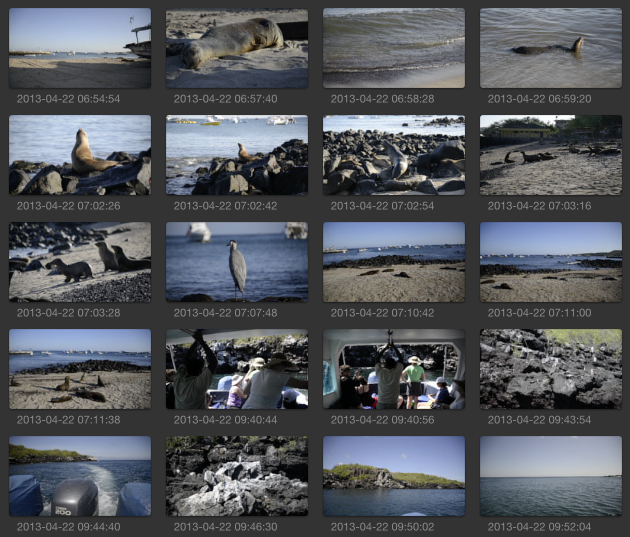
In addition to serving as an SDHC storage device, the Eye-Fi card can connect to a WiFi network, or can establish a direct wireless network connection with an iOS or Android device. While on the trip I used the Eye-Fi app on my iPhone several times each day to download the most recent pictures from the D600 to the iPhone. By the end of each day I had a copy of all pictures on my phone ready to be used in a blog post update.
While away from home I used the WordPress iOS mobile app to draft and publish daily posts to mliberman.com. And with the daily pictures already downloaded to the iPhone via the Eye-Fi app, incorporating pictures into the daily Galapagos updates was easy. Emailing pictures to fellow travelers on-the-go was easy too. (Note: As an alternative to the Eye-Fi card I could have used Apple’s Camera Connection kit – but that’s one more item to carry and not quite as elegant as the direct wireless Eye-Fi solution.)
Now that I am home, I am using my standard workflow for photos and video. I’ve been using Adobe Photoshop Lightroom since version 1.0 for photo management and editing.

Now on Lightroom version 4.4, I import (to folders named by date and location or event), delete (duplicates and rejects), rename (by location or event with sequential numbers), keyword, geoencode, caption, and post-process.
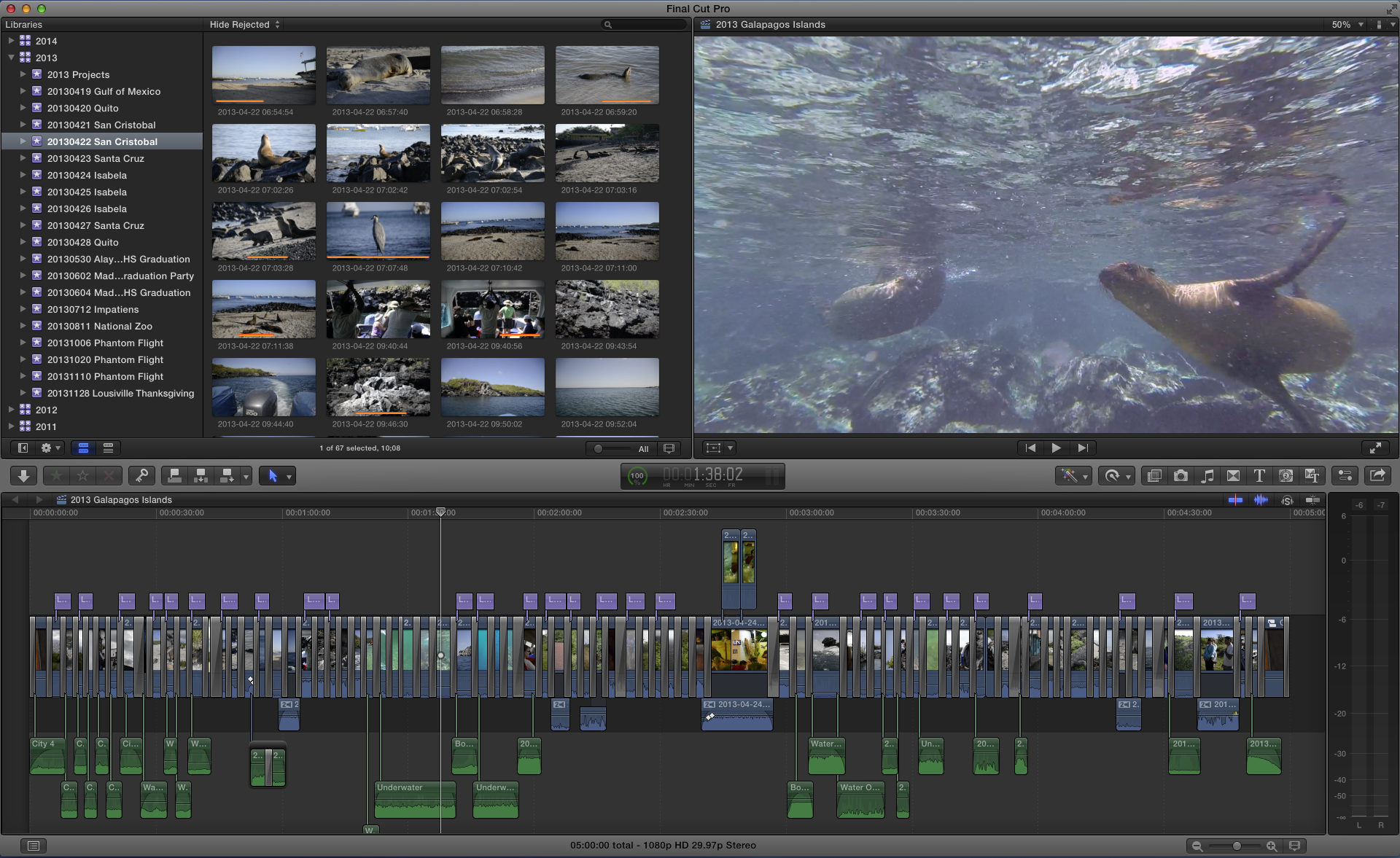
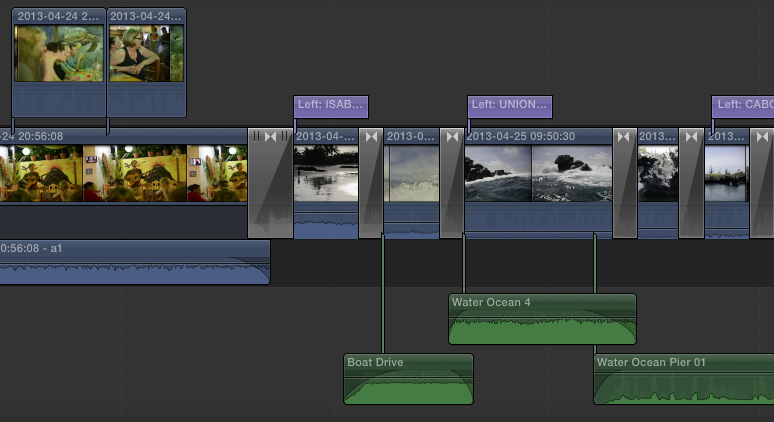
All video is digitized (to events named by date and location or event) in Final Cut Pro X.

FCPX takes care of renaming files by date and time. To save hard drive space I don’t transcode to high quality media on import, instead leaving that for later in the edit process. I do review each shot and delete any unneeded or duplicate material.
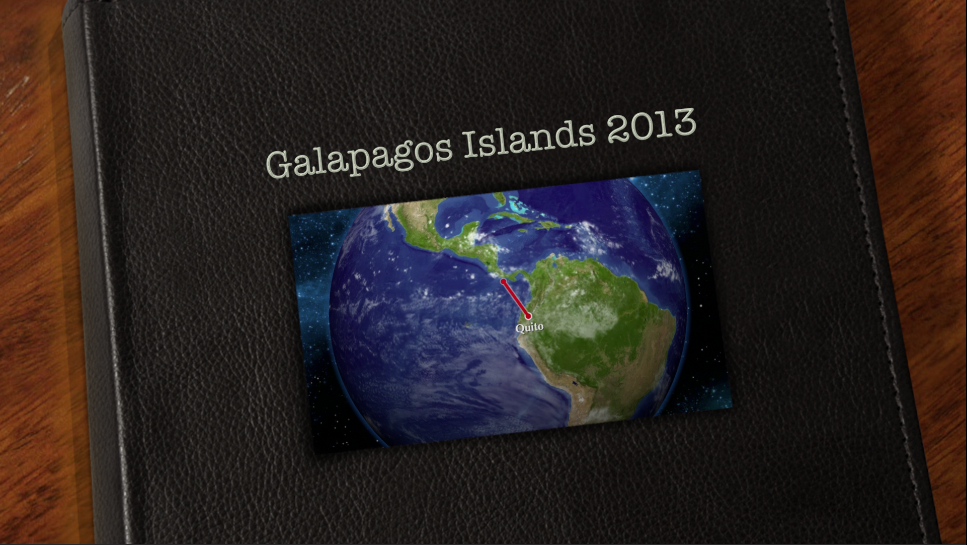
With everything digitized I confirm onsite and offsite backups are complete and then reformat the SDHC cards for use on the next project. With the data management part of the workflow complete, now the fun starts. For the Galápagos Islands trip I’ll do my usual travel video, but I am also thinking about editing a second video highlighting the underwater clips from snorkeling at Isla Lobos, Kicker Rock, and Cabo Rosa. With the photographs I will post a trip gallery here on the blog, make a book, and some prints for family and friends. Hopefully I can get this done in a reasonable amount of time! 😉
Our departure from Quito is at 6 a.m. so we leave the hotel at 2:30 a.m. for the one hour bus ride to Quito’s new airport.
After the 5 hour flight, we arrive early in Houston, but need the extra time to get through immigration and customs. Fortunately our layover is long enough to spend a little more time with the group before my flight departs for Dulles. My thanks to excellent friends and travel companions – Brad, Mickey, Donna, Dennis, Sue, Ron, Marguerite, Carol, Bernie, Jessica, Grace, Gena, Bob, Kim, Erik, and Jake – for a great trip! And to our guides – Jose, Lorenzo, and Pablo for an outstanding educational adventure!!
Time for a look back on a memorable week in Quito and the Galápagos Islands.
Quito, Ecuador …

A marine iguana at La Loberia Beach …

Sunset over Puerto Baquerizo Moreno on San Cristobal Island …

Kicker Rock …

The caldera at Sierra Negra Volcano …

One of the twin craters at Los Gemelos on Santa Cruz Island …

Now it’s time to start sorting through the photos and begin post-production. Then on to work on the video and book. Hopefully, I finish things up before the next adventure – South Africa in 2015!