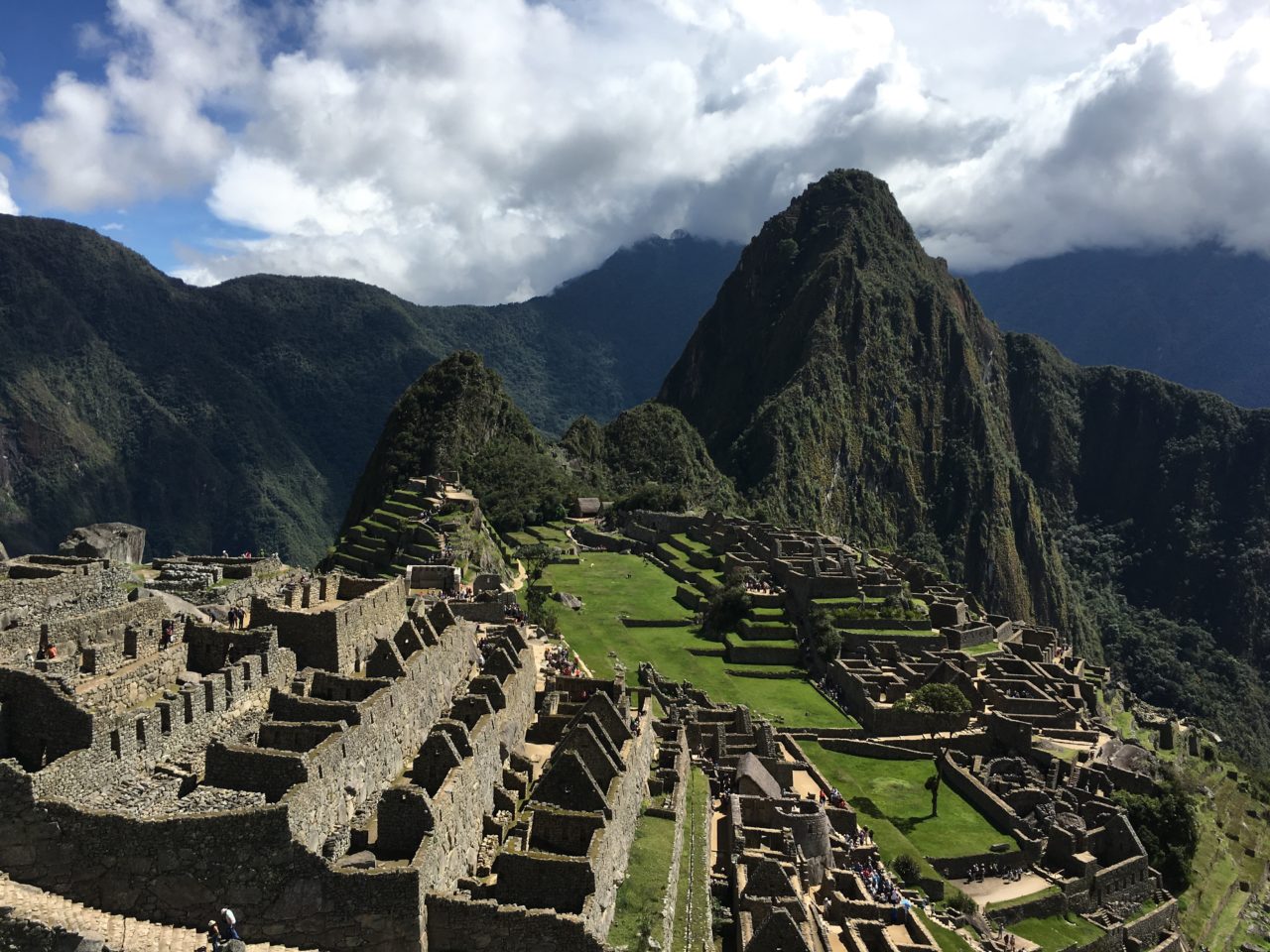
From the Sanctuary Lodge on Machu Picchu.
Today was a free day to explore Machu Picchu on our own. It’s day two here so we have the routine down. Breakfast at the hotel. Walk to the bus. Ride the bus up the 14 switchbacks to the Machu Picchu entrance gate. (Not quite l’Alpe de Huez, but a bumpy road with a couple thousand feet of elevation change that fools Fitbit into 125 flight of stairs!) Show your ticket and passport to get in and enjoy!
Started the day intending to hike to the Sun Gate, but decided to stay in Machu Picchu to shoot some time-lapse sequences.
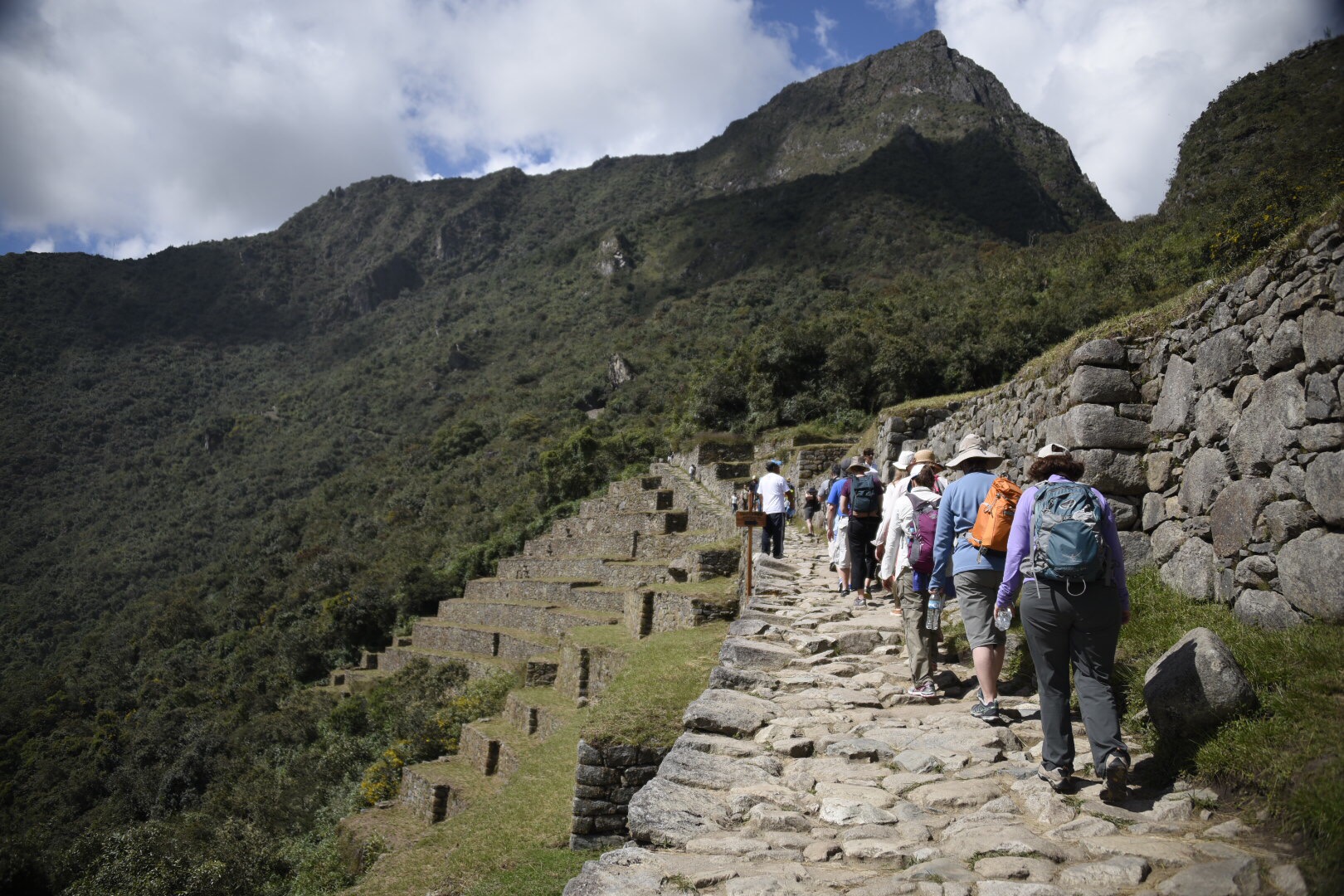
The group on the Inca Trail heading up to the Sun Gate
More cloud cover today. Completely different light and very different pictures compared to yesterday.
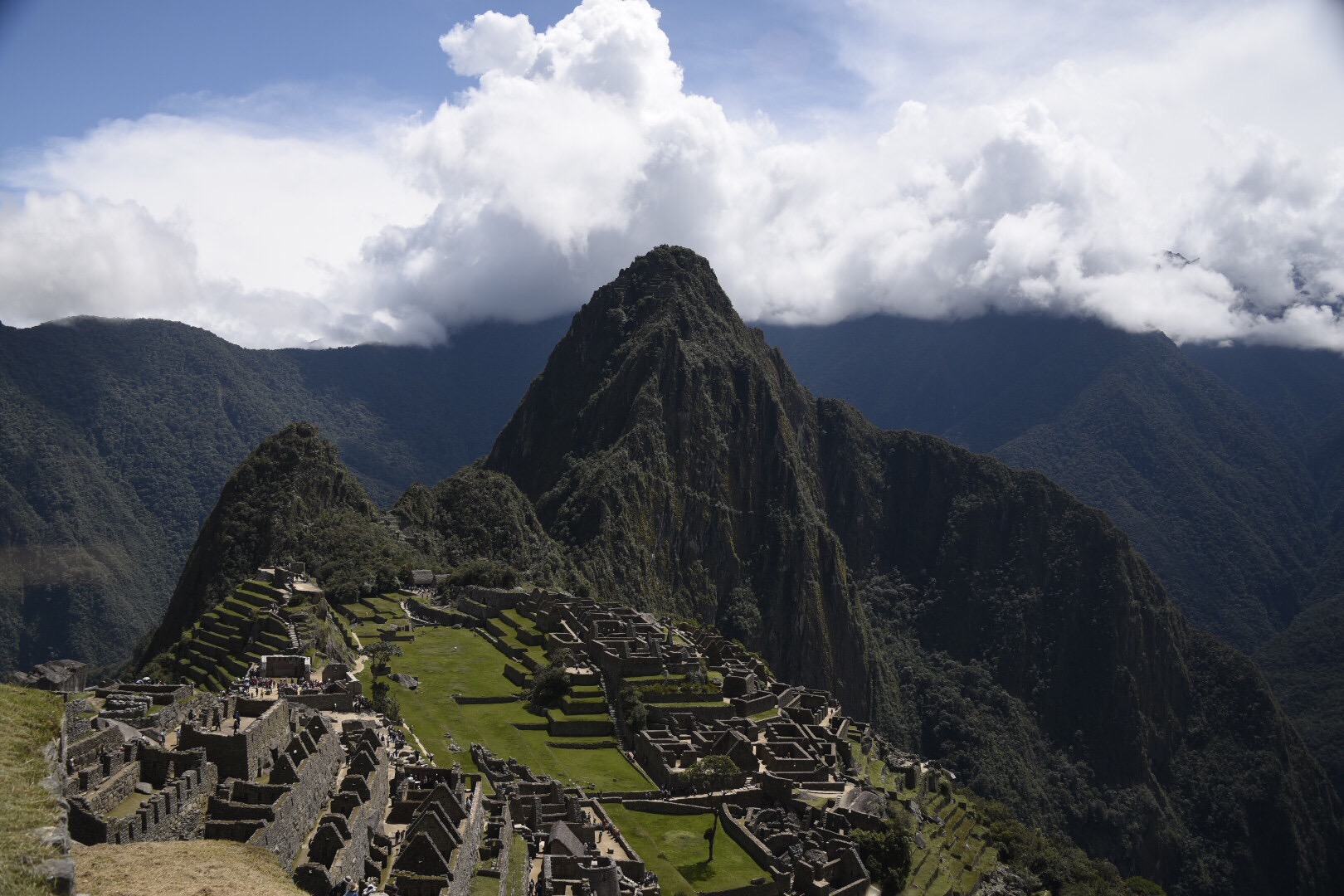
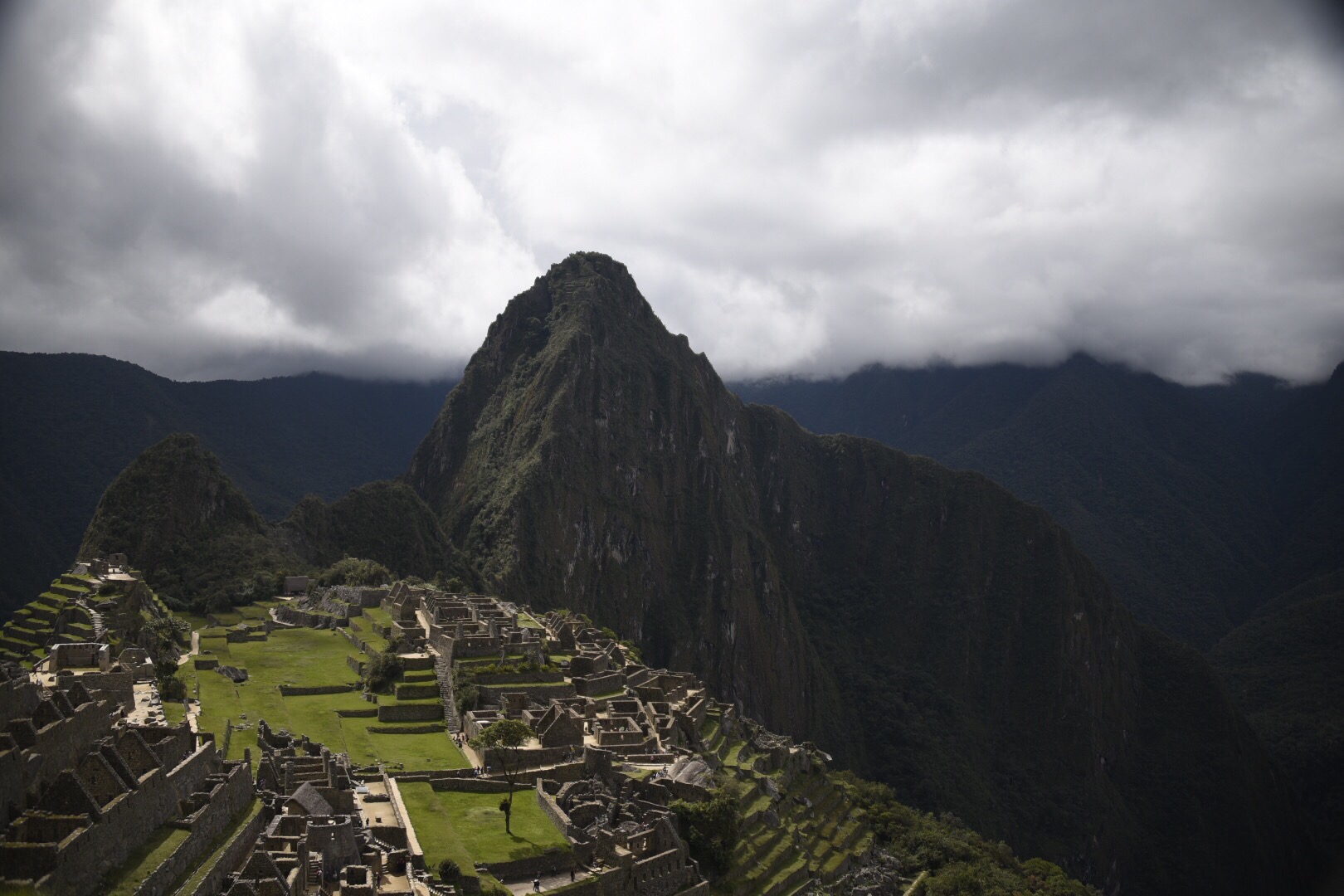
After a picnic lunch overlooking Machu Picchu, we take selfies and work on new profile pics and cover photos! Reluctantly, we leave the site, but stop at the Santuary Lodge again for pisco sours, potato chips, and wifi while waiting for the bus back to Agua Calientes. Tonight is dinner at the hotel, the train back to Ollantaytambo, and the two hour bus ride back to Cuzco. Tomorrow is an early start for the all day bus ride to Puno.
From the Quila restuarant in Agua Calientes.
Another travel day – this time to get to Machu Pichu.
We’re travelling light and not bringing our big luggage on this leg of the trip. That meant that after last nght’s blog update I spent about an hour figuring out how to pack battery and phone chargers for two cameras and two phones, along with clothes for Wednesday and rain gear, into my day pack camera bag that’s mostly filled with camera gear. I lost some valuable sleep time but I got it done.
Five fitful and restless hours later the alarm went off for the 5 AM bus ride to Ollantaytambo for the train to Machu Picchu.
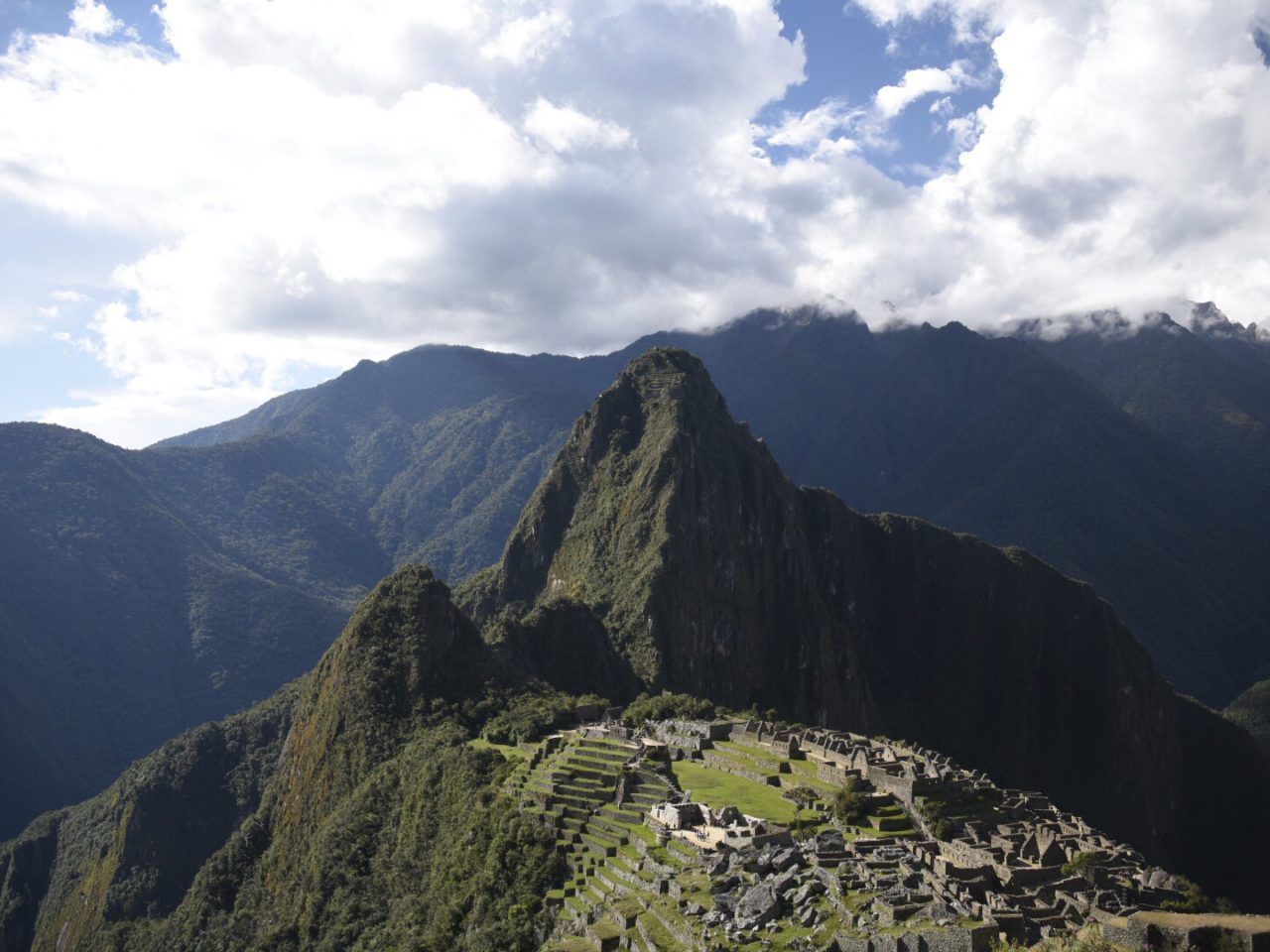
After arriving in Agua Calientes, the small town at the base of Machu Picchu, we dropped off unneeded items at our hotel and got on the bus for the ride to the entrance to Machu Picchu.
A short hike up a trail, around a corner, and this is the view …
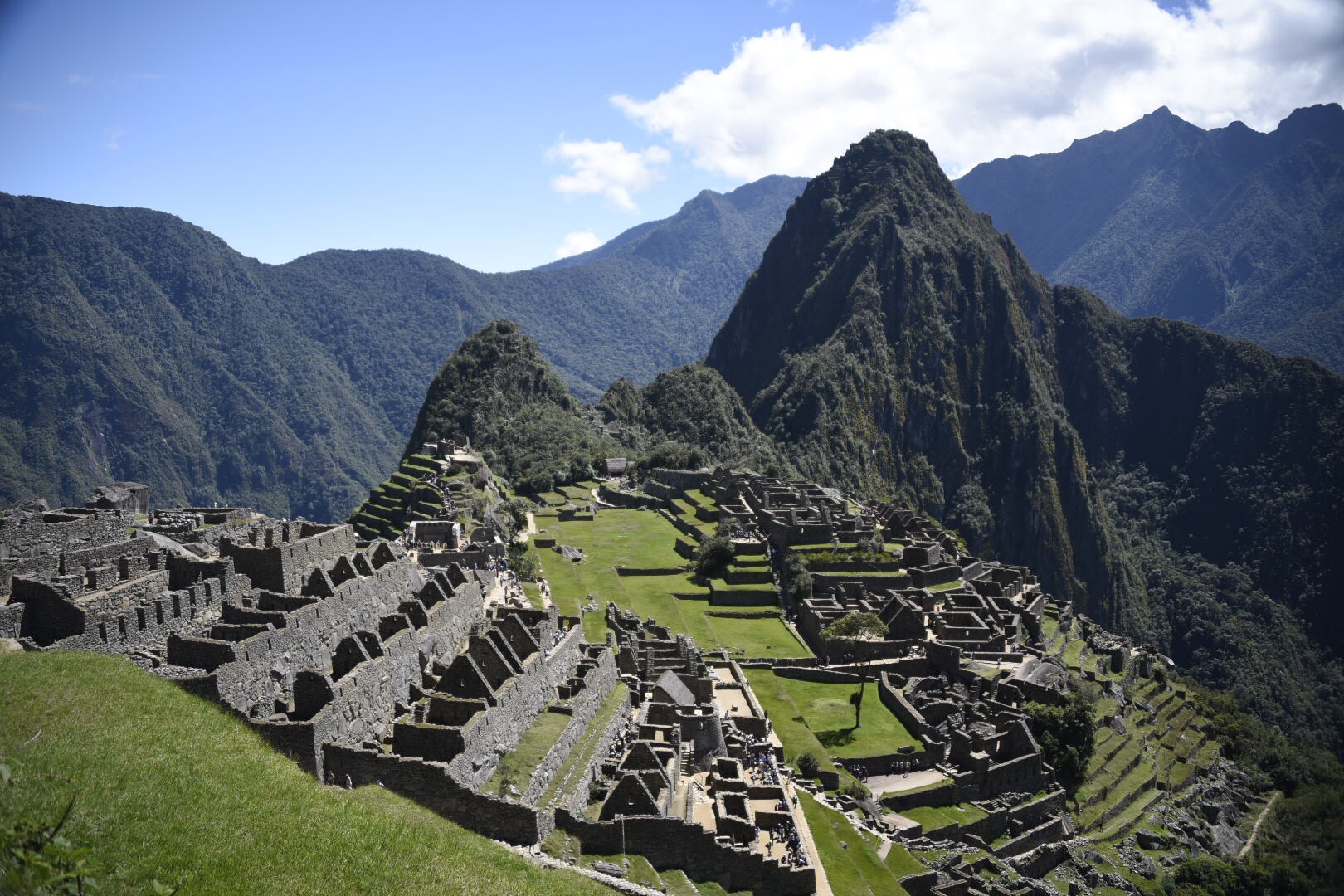
Machu Picchu
Any words I use to describe this place
do not do it justice, but it is breathtaking! Or maybe walking UP a rocky trail above 8,000 feet leaves you winded!
We started with a three hour walking tour and learned about the history and modern rediscovery of the site. Then I took an hour to shoot a time-lapse looking down on Machu Picchu.
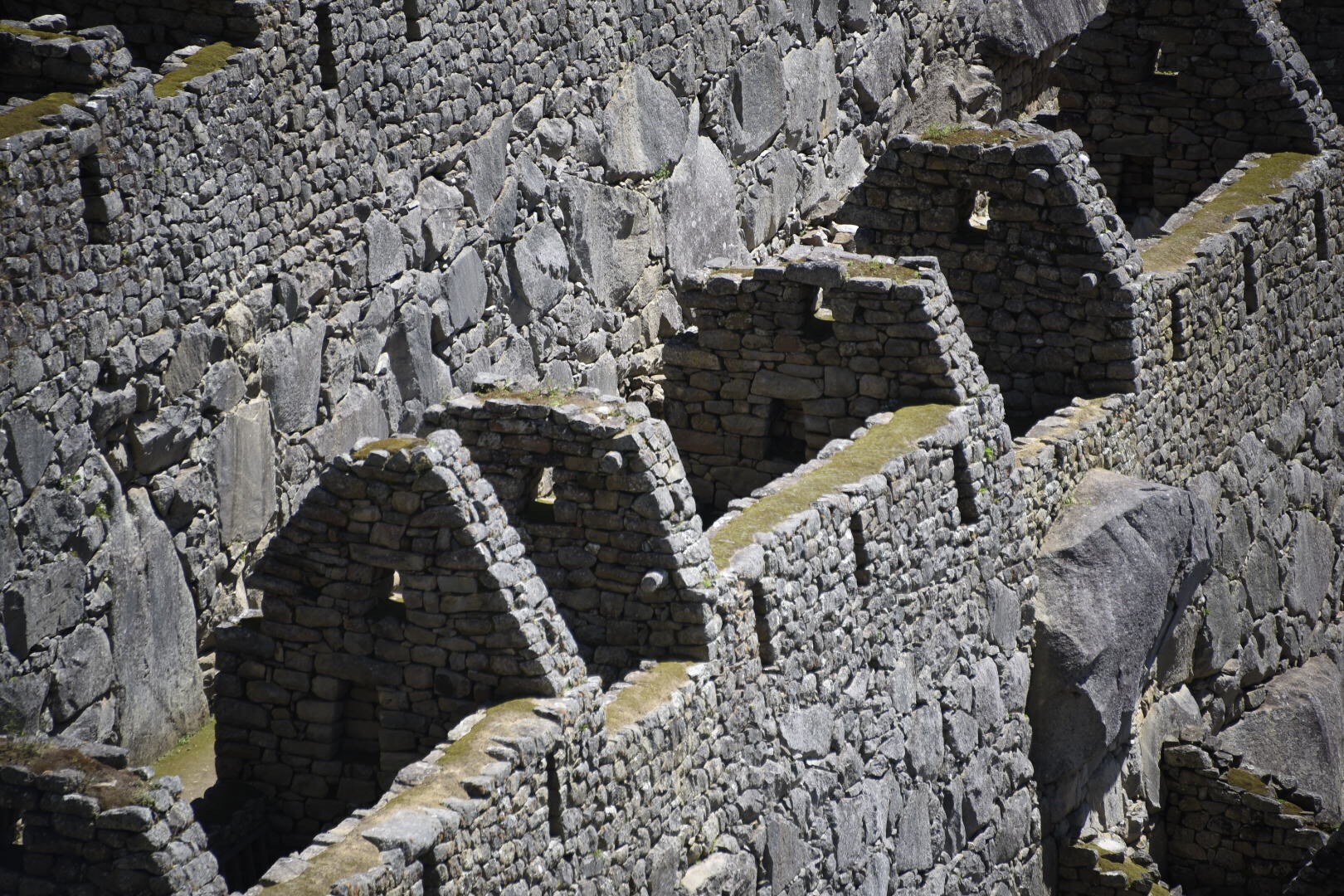
Detail of the stonework at Machu Picchu
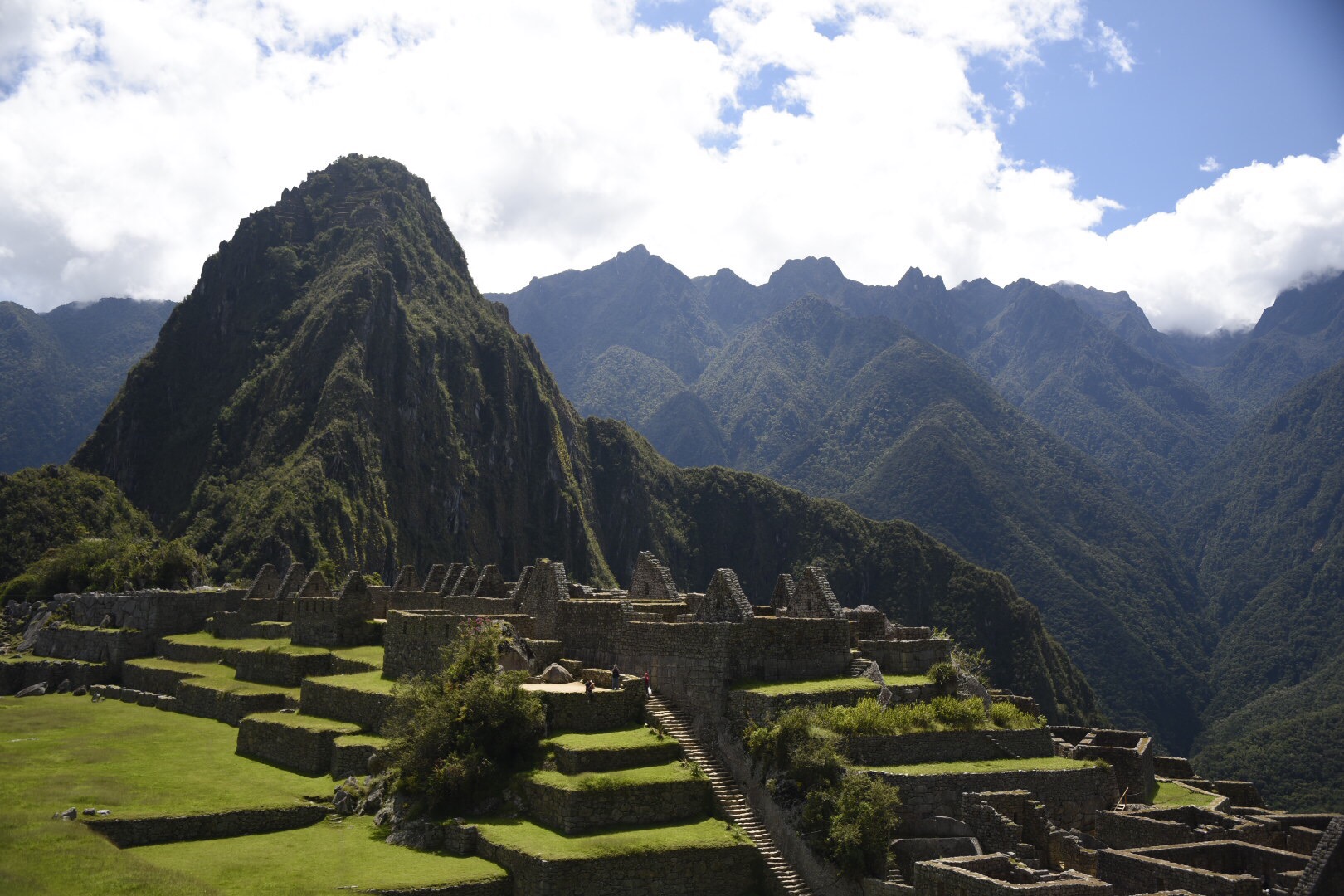
The terraces at Machu Picchu
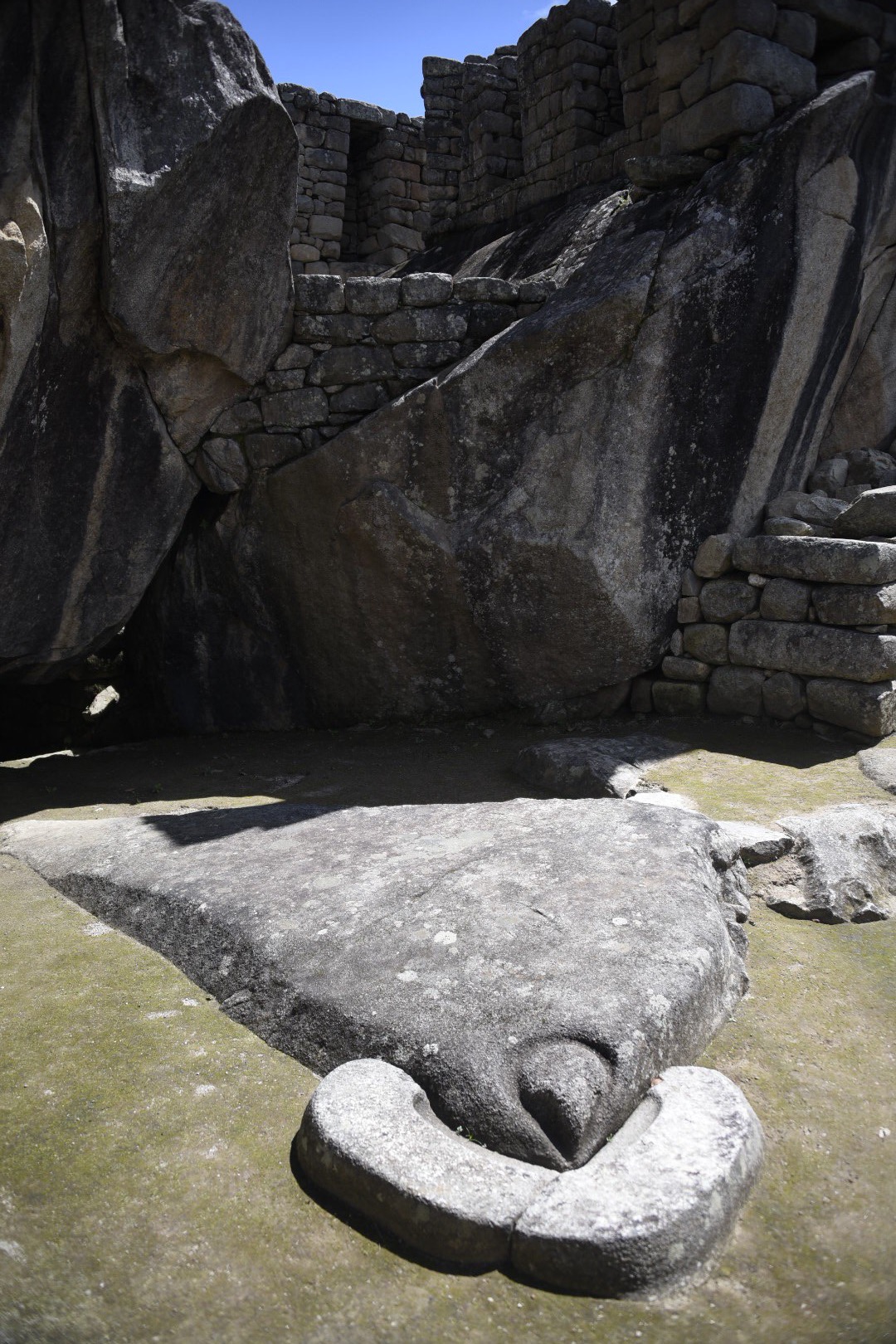
Temple of the Condor
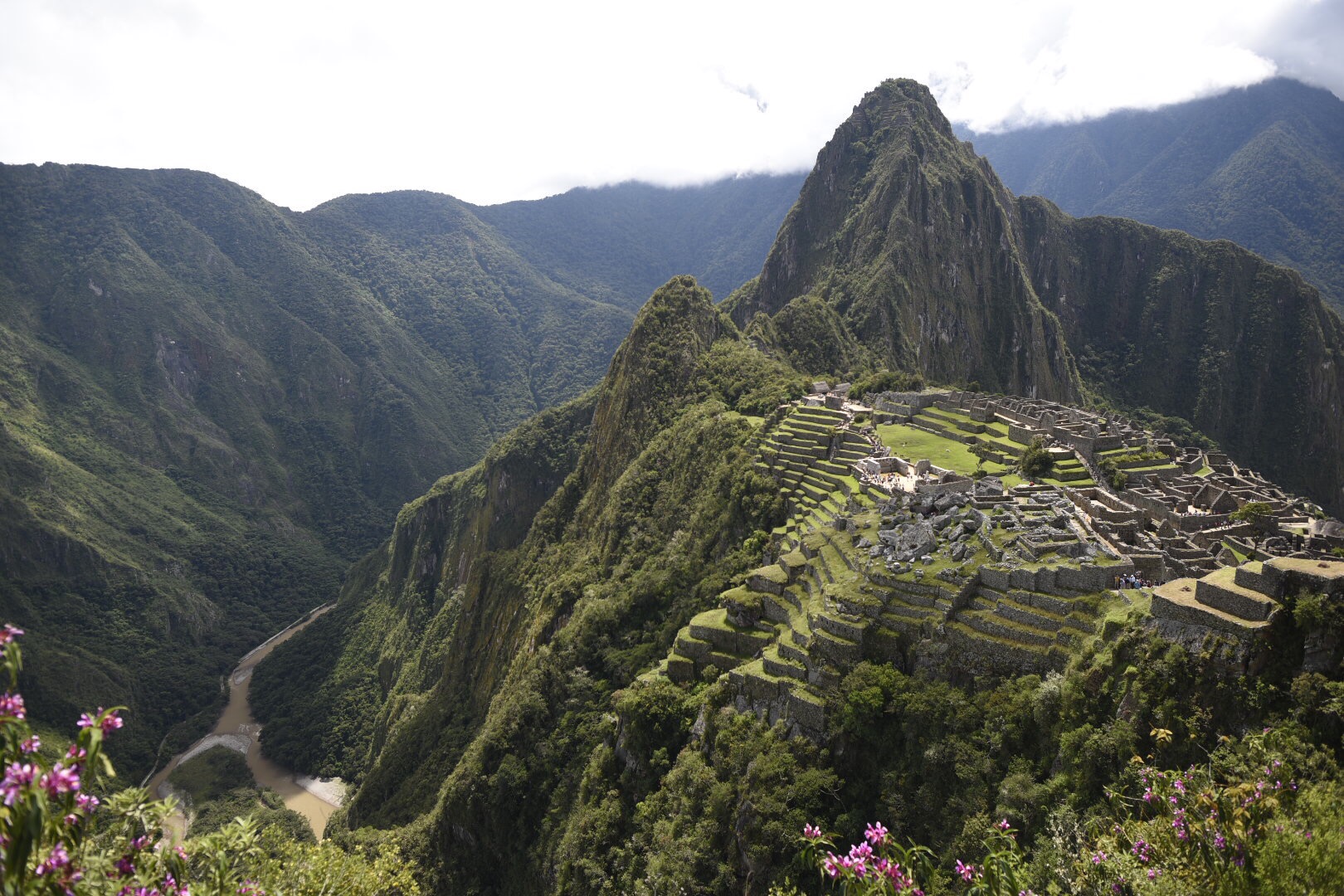
Next a hike behind Machu Picchu on the Inca Bridge trail with amazing views of the valley and river below.
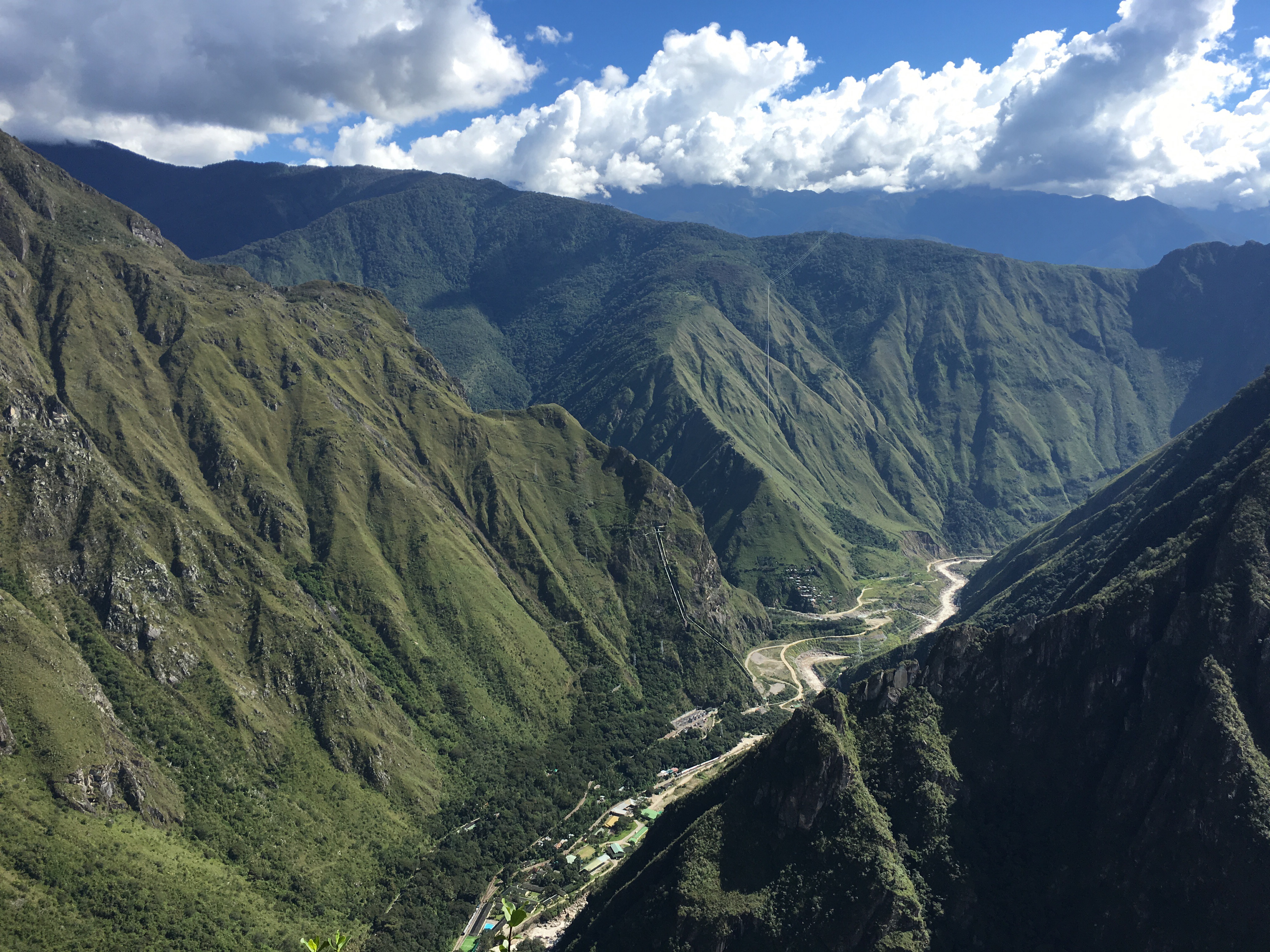
View from the Inca Bridge trail
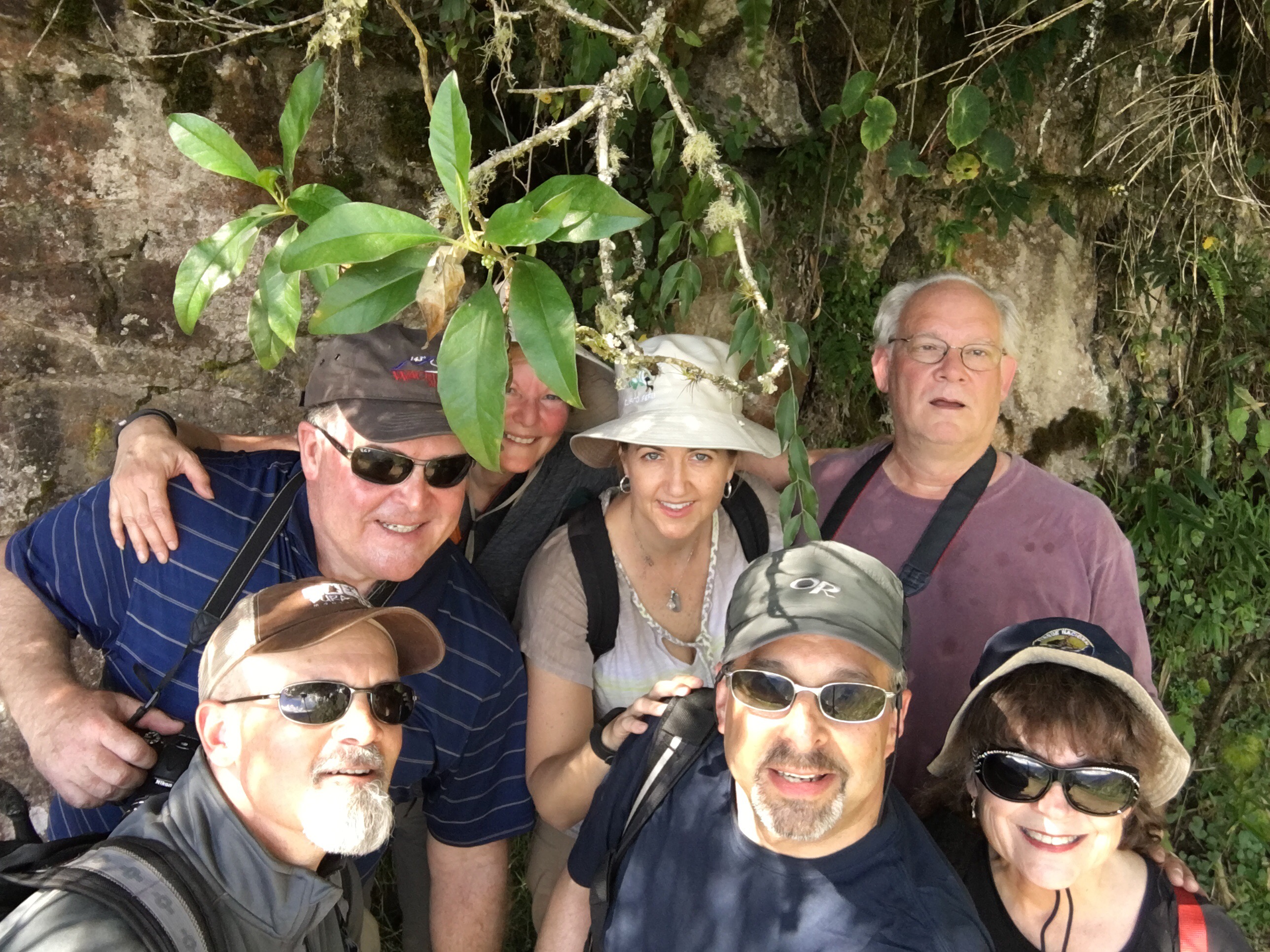
Inca Bridge trail hikers
After meeting back at the Wiracocha Inn we went out for a dinner of trout cebiche, empanadas, and pizza at Quila in Agua Calientes.
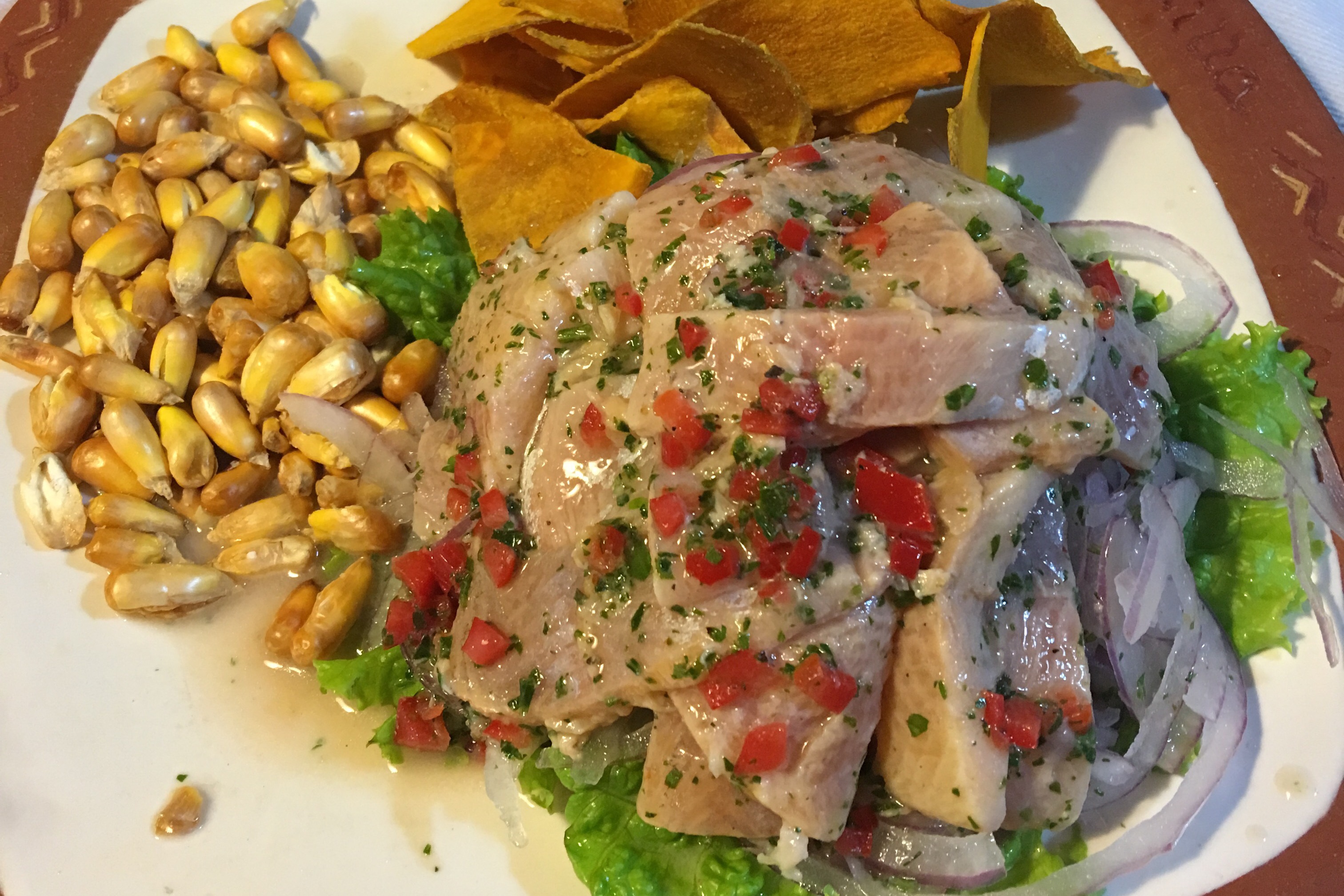
Trout cebiche at Quila in Agua Calientes
Tomorrow we have another full day to explore Machu Picchu.
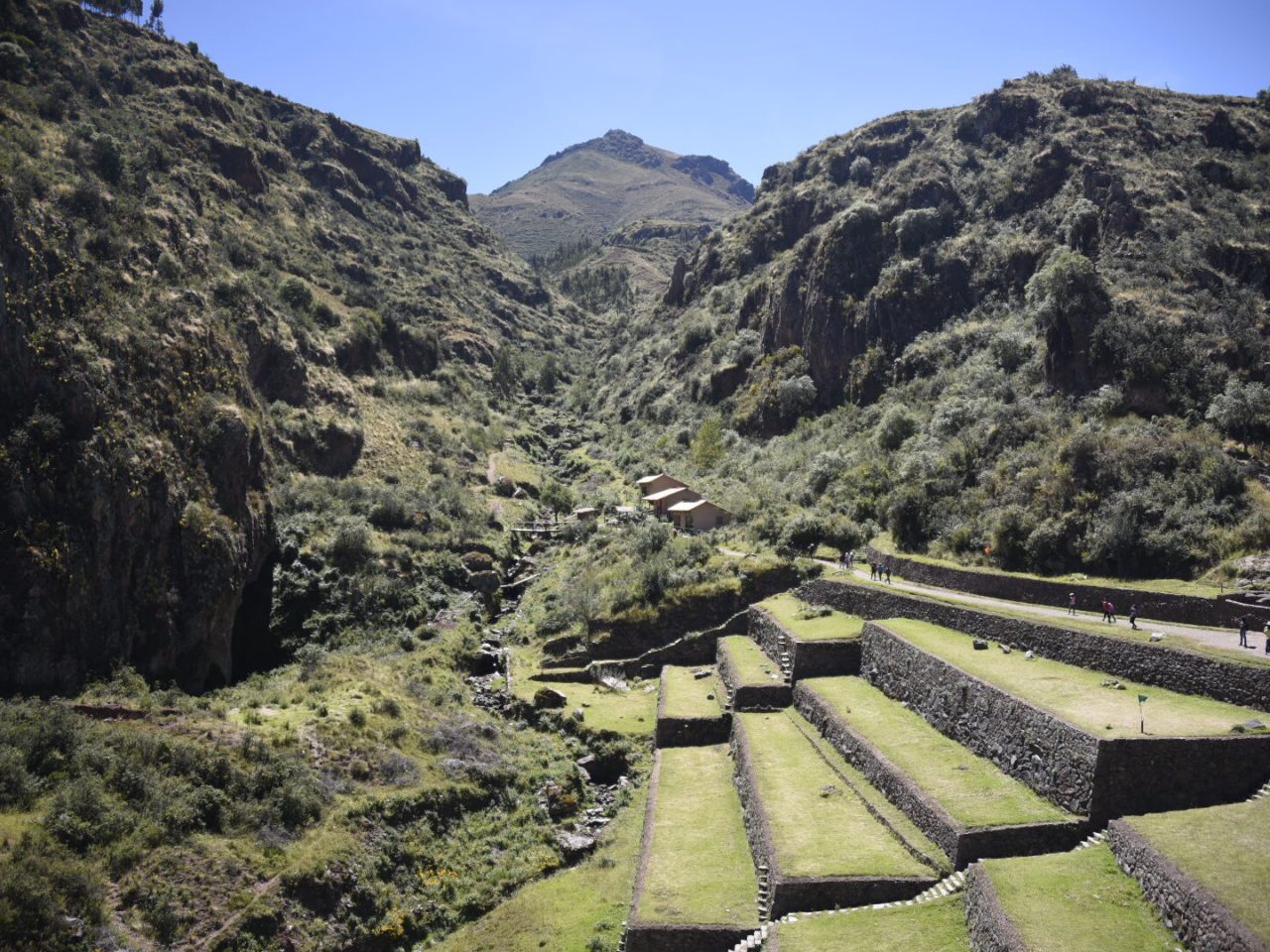
From the lobby of the Hotel Prisma.
A long day and an early wake up call tomorrow, so this will be a quick update.
Our second day in Cuzco featured a a visit to the Sacred Valley. We began the day with a visit to the Awanakancha Wildlife Sanctuary to see llamas, alpacas, and vicuna. Then a visit to the Pisac ruins followed some time to shop at the Pisac Market. After a late lunch at the Casa Grande Resturant we rode the bus to Ollantaytambo to hike the incredible Ollantaytambo Fortress. The bus ride back to Cuzco on the twisting roads of the Andes took two hours. We arrived in time for a late dinner at the Emporador Grill Restuarant featuring alpaca steak!
Tomorrow we have a 4 AM wake up call for the 5 AM ride back to Ollantaytambo to catch the 7 AM train the Machu Picchu.

On the way to the Awanakancha Wildlife Sanctuary
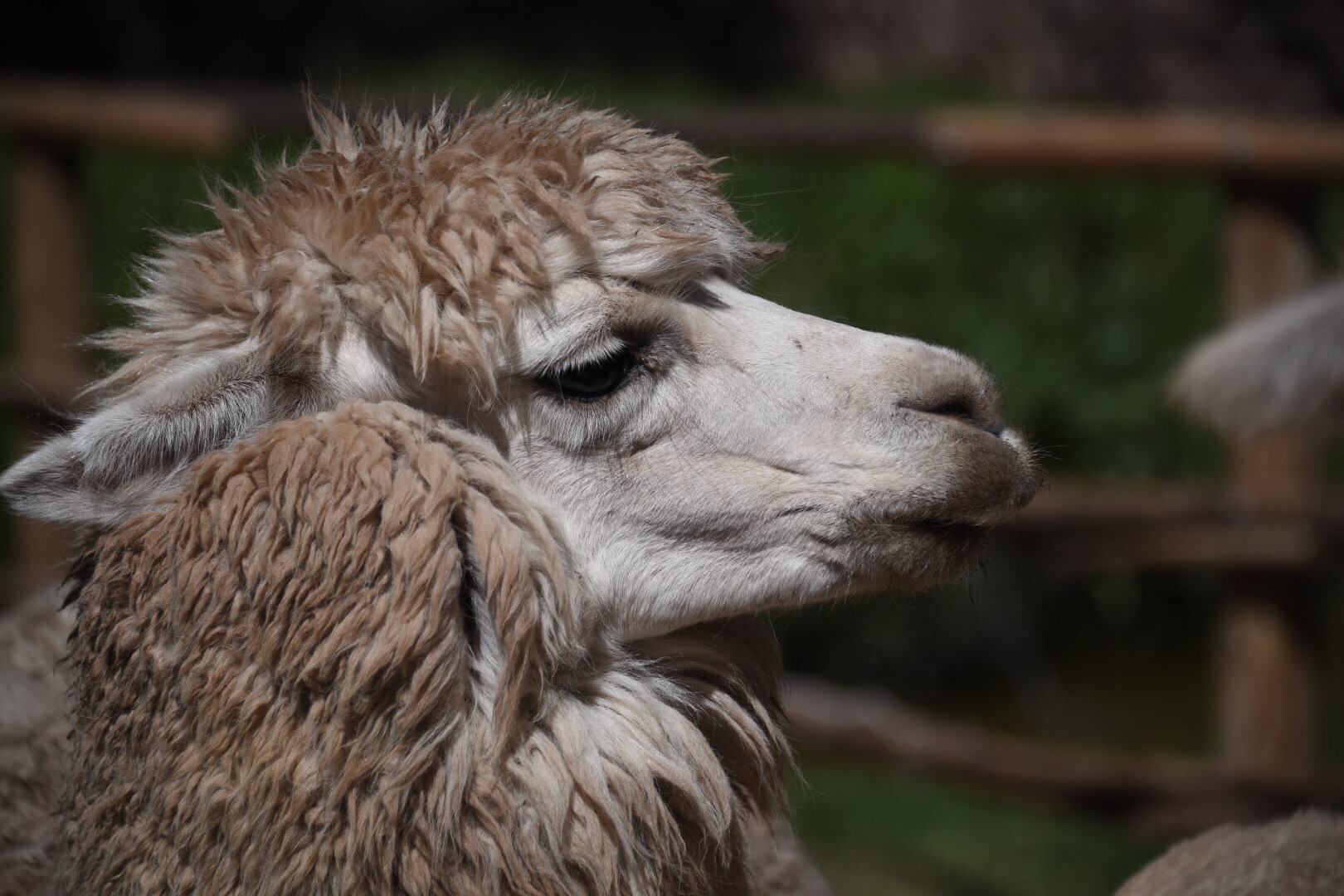
At the Awanakancha Wildlife Sanctuary
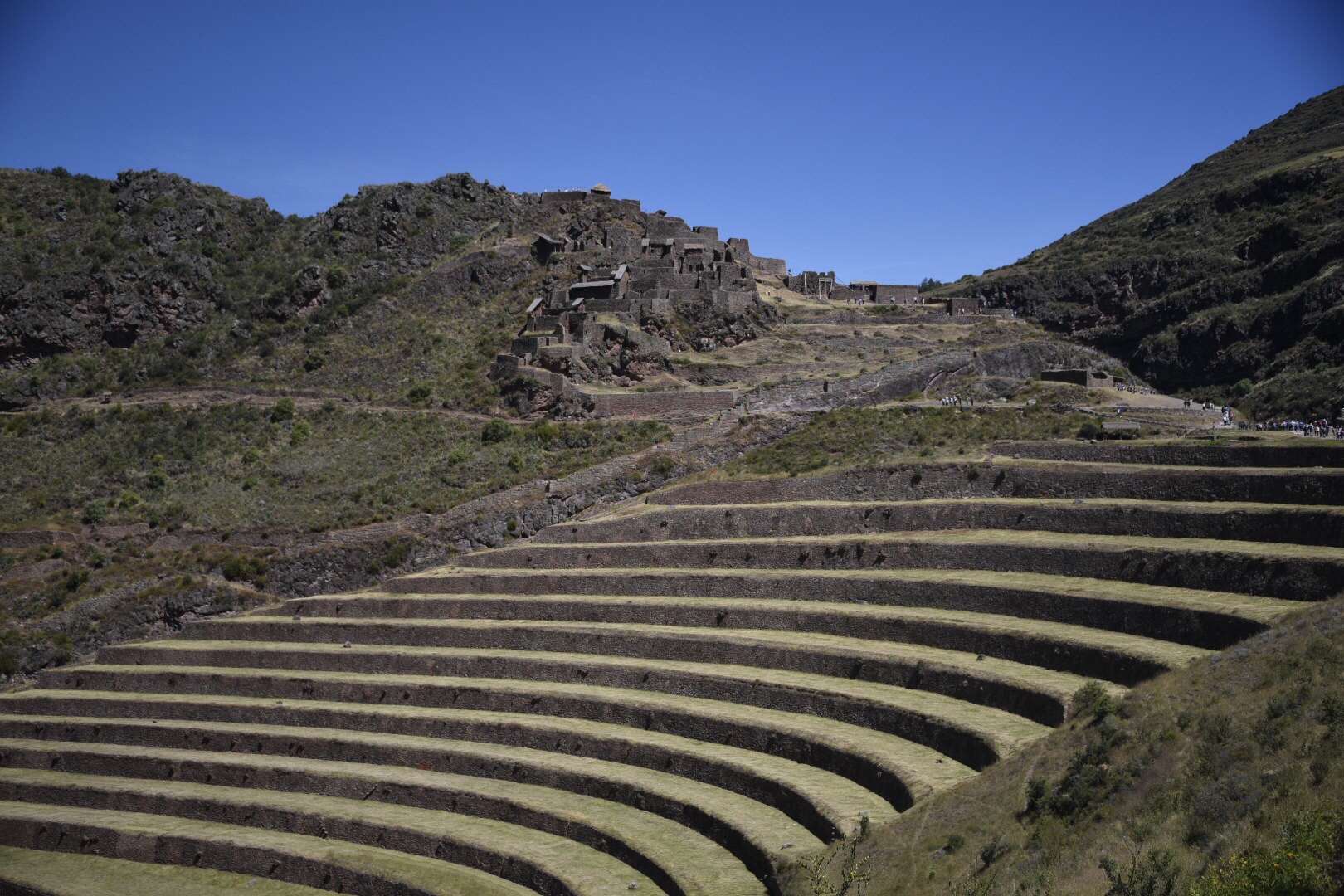
The terraces at Pisac
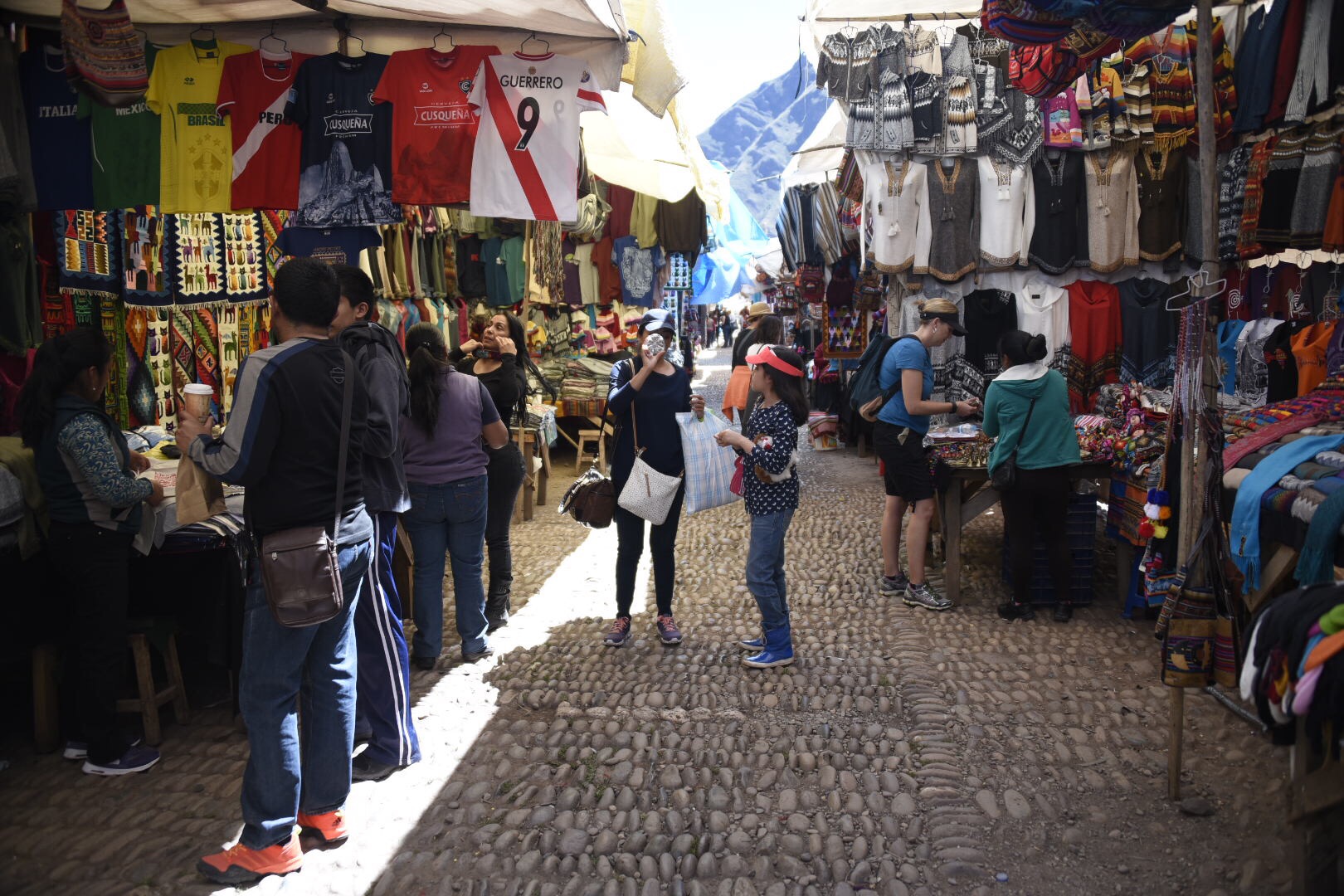
Shopping at the Pisac Market
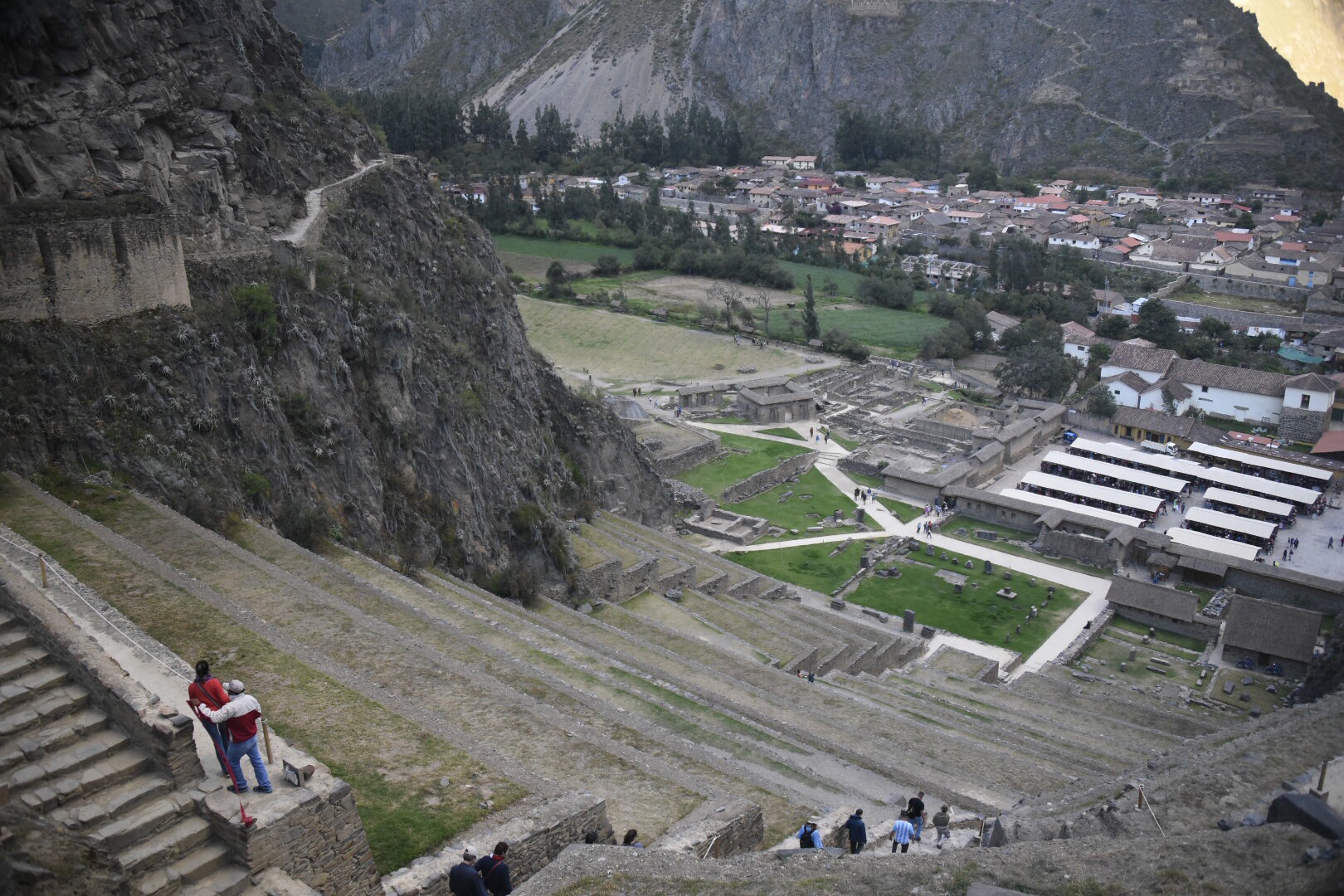
The view from Ollantaytambo Fortress
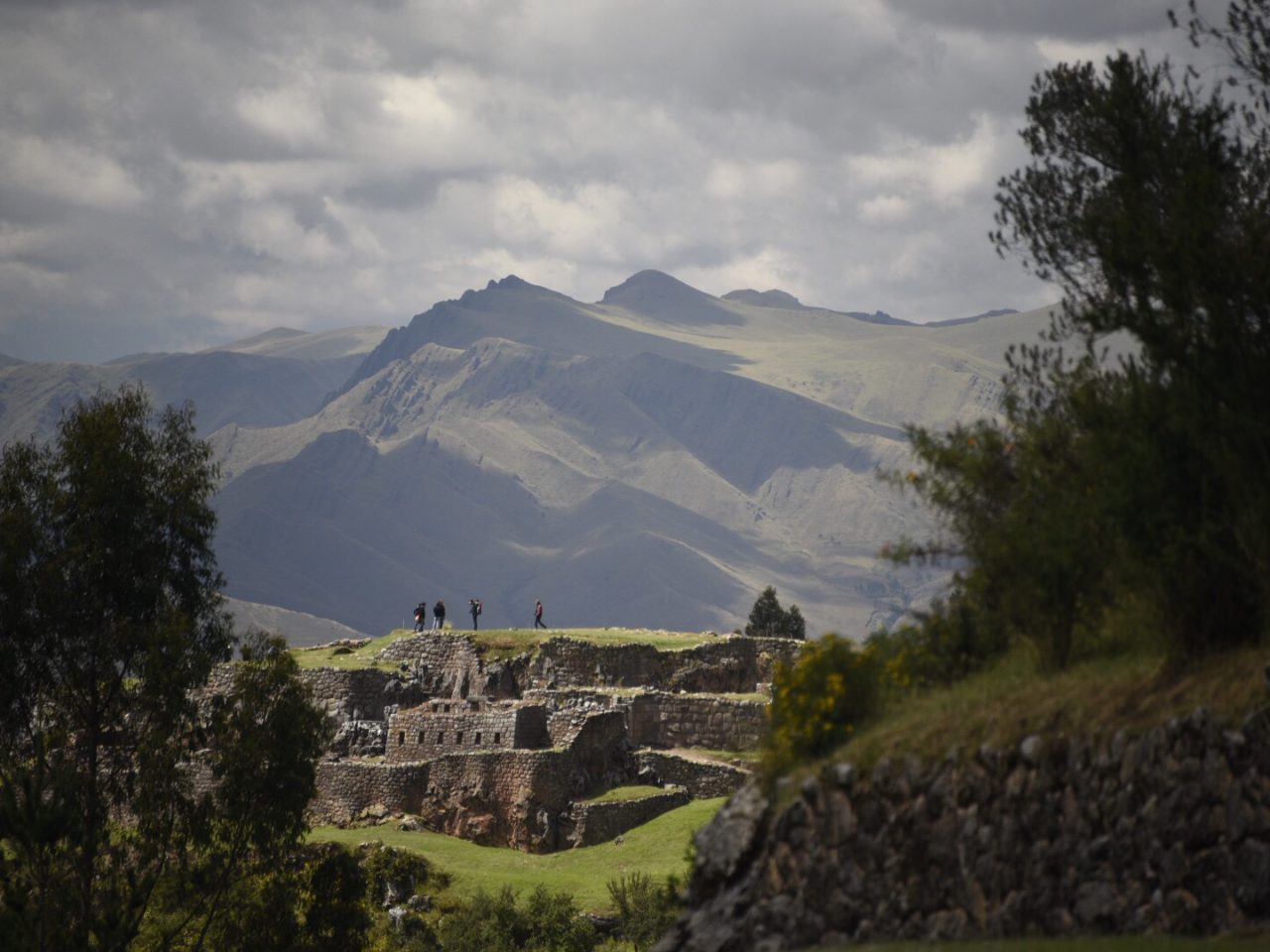
In Papillon Restaurant at Plaza de Armas de Cuzco enjoying a Chilcano de Pisco
Today started with a 3 AM wake up call for our early flight to Cuzco!
We dropped off our luggage at the Hotel Prisma and then did a Cuzco sightseeing tour of the Incan archaeological sites at Tambo Mach’ay, Pukapukara, Q’Enqo, and Sacsaywaman Fortress. Amazing what the Incans built!
Following lunch at El Retama, we checked into Hotel Prisma for a much needed afternoon break.
Tonight we sampled Guinea Pig, a Peruvian favorite for special occasions, during dinner at Ima Sumaq.
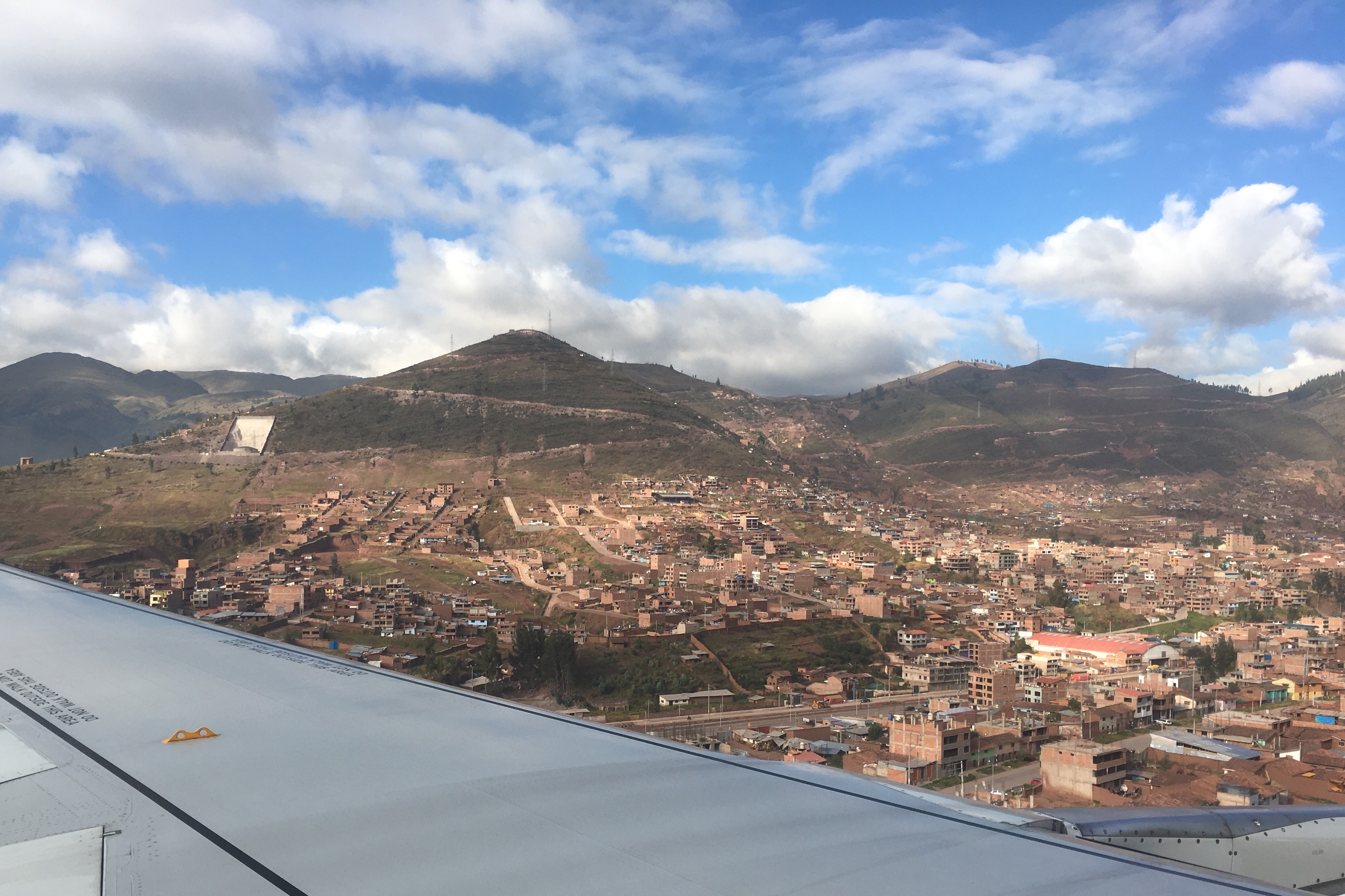
On final approach into Cuzco
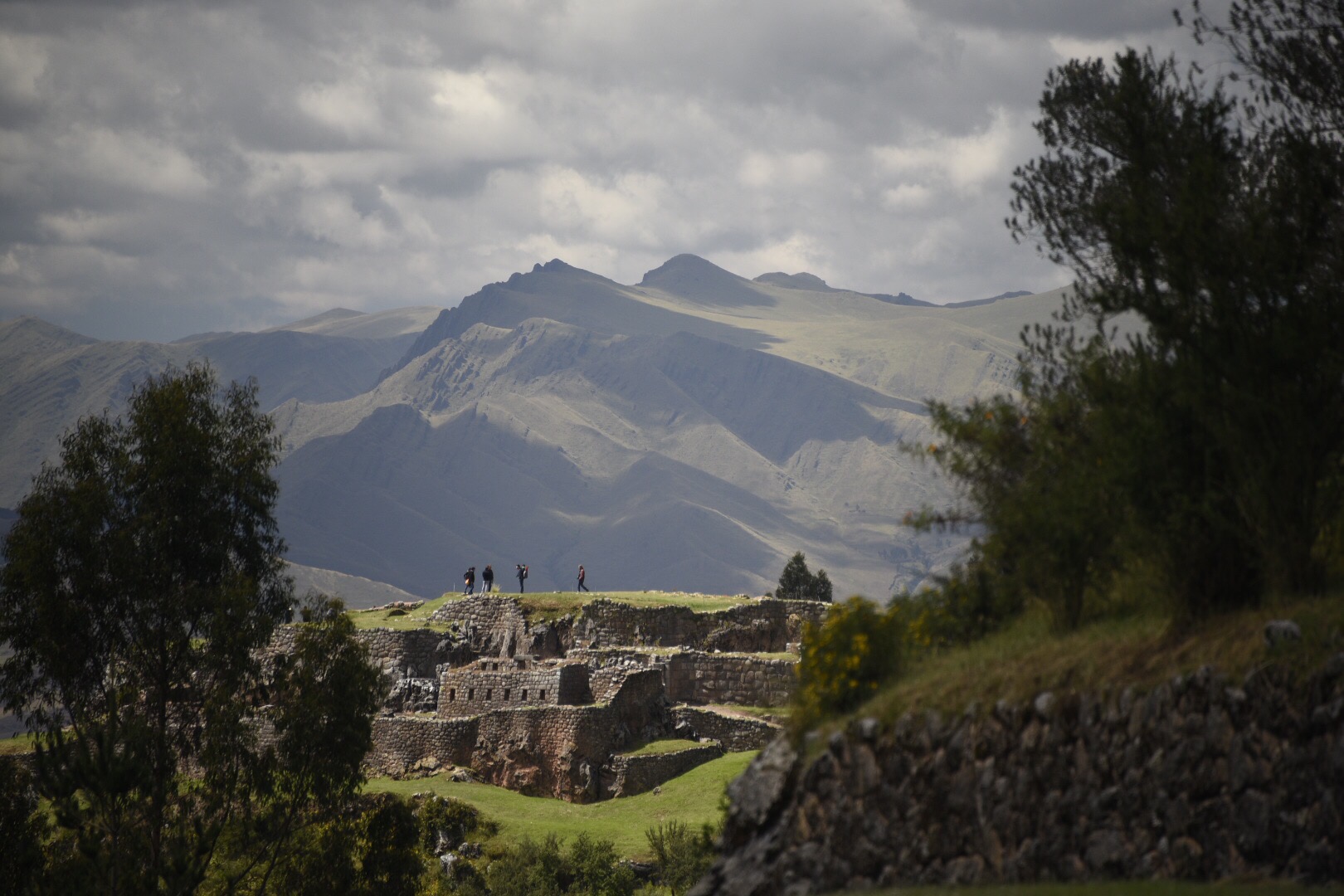
Pukapukara seen from Tambo Mach’ay
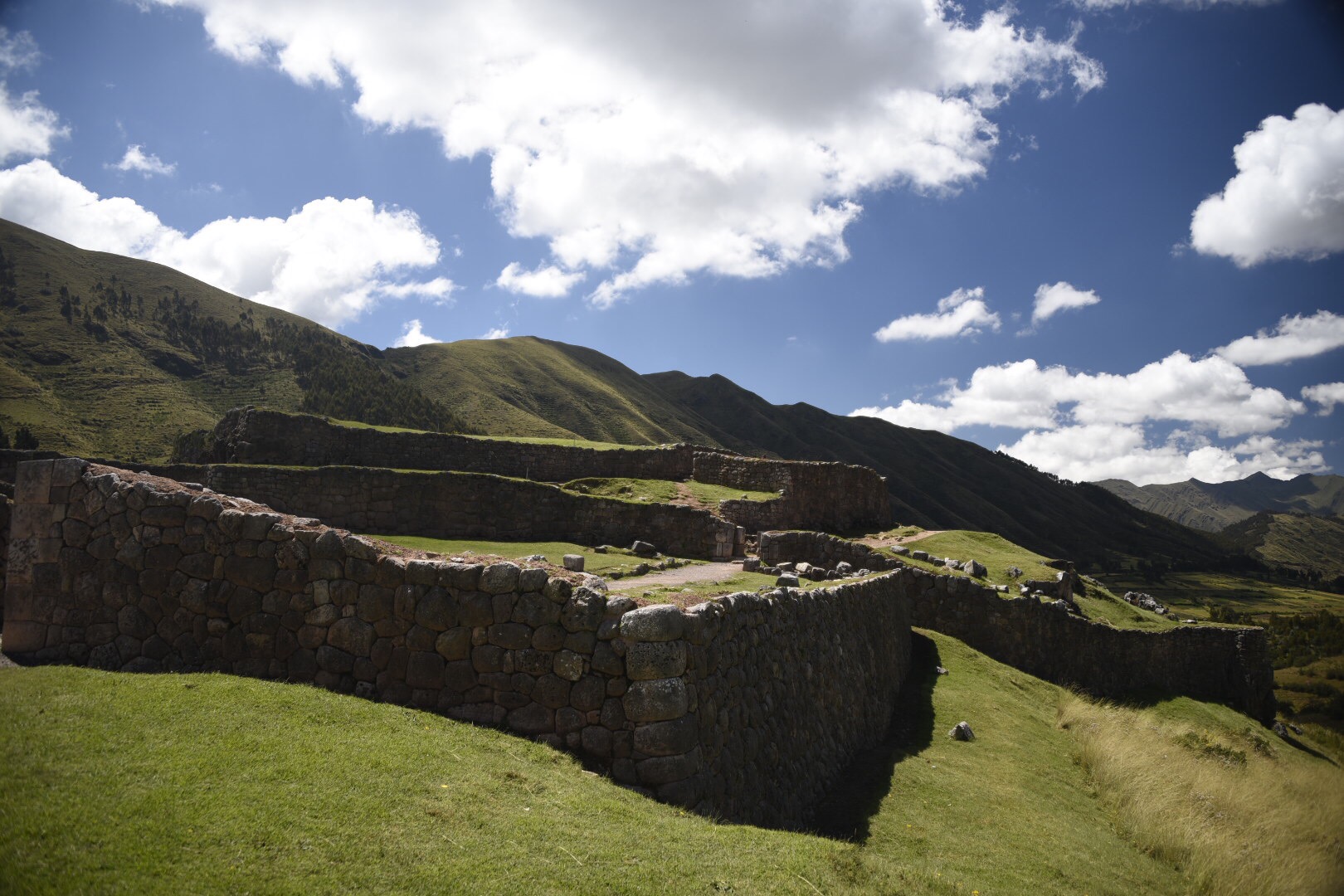
Another view of Pukapukara
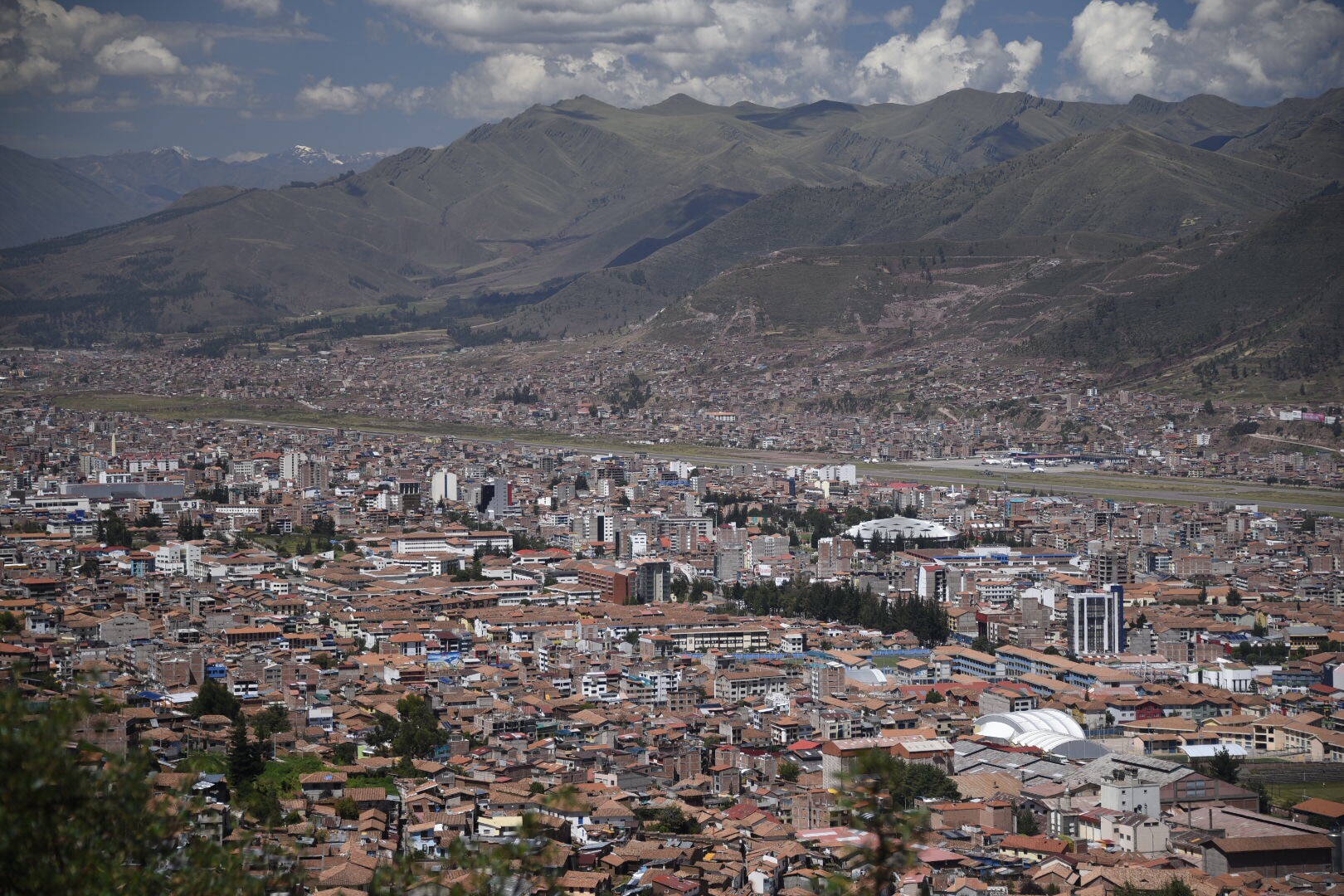
The city of Cuzco
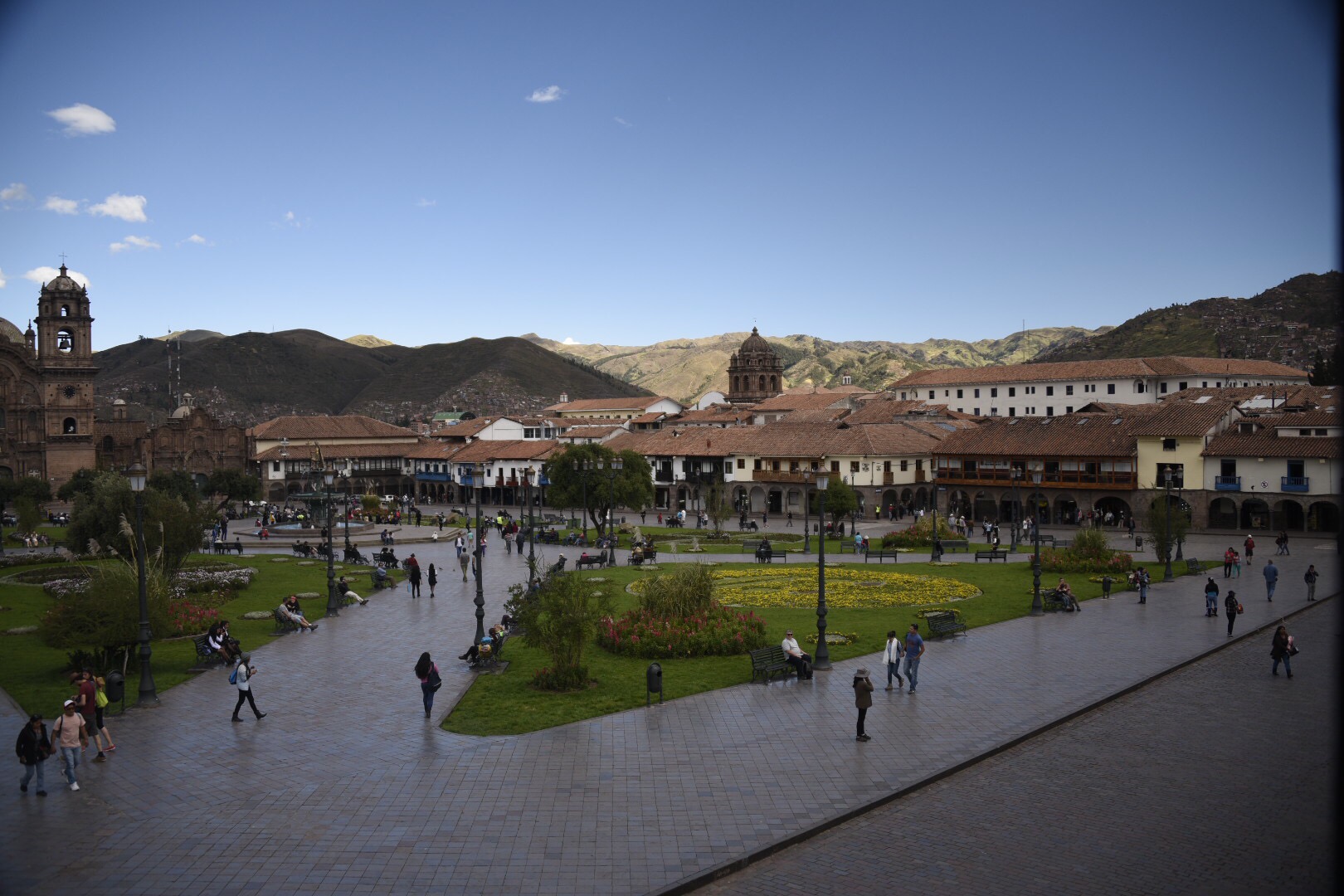
Plaza de Armas de Cuzco
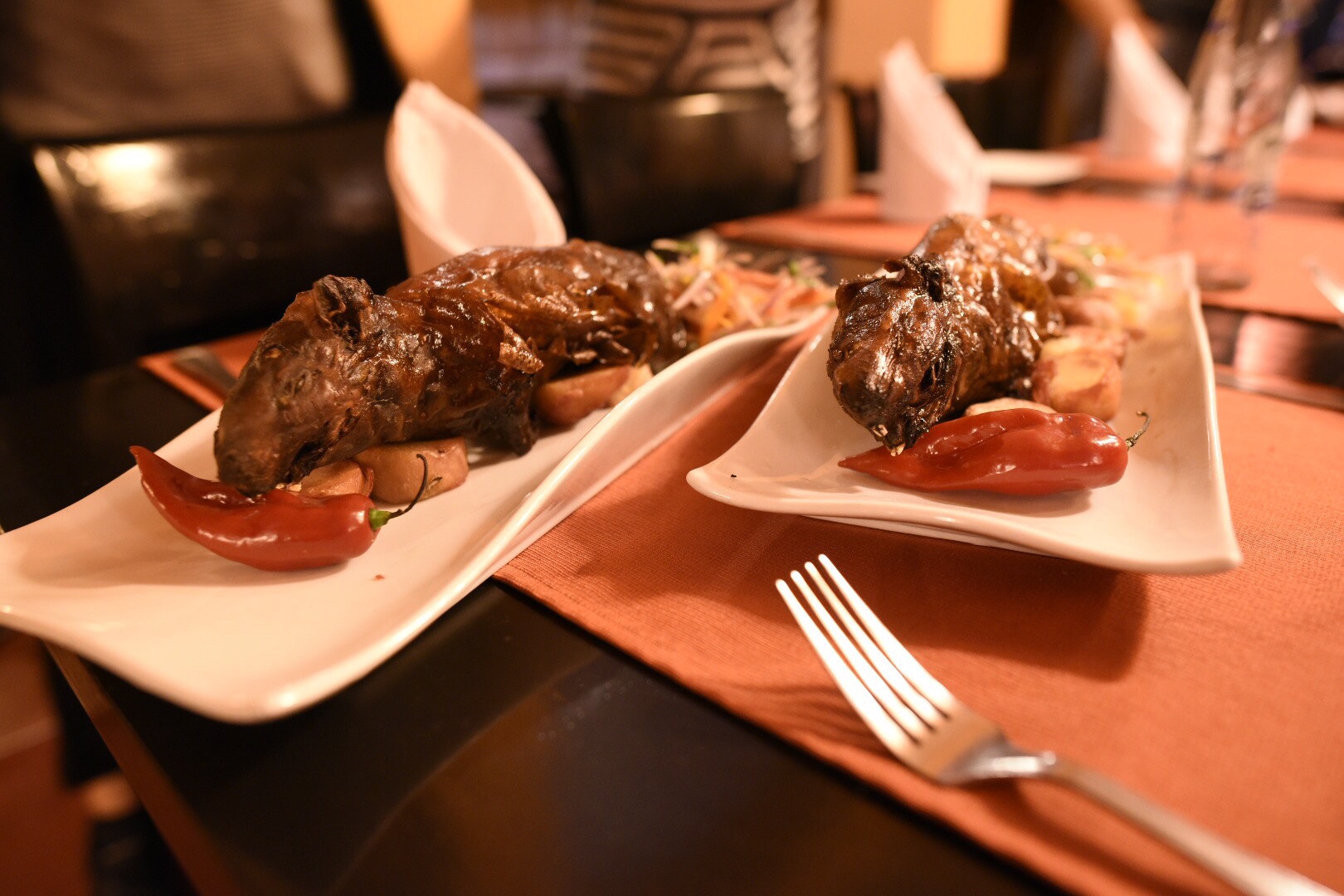
Guinea Pig at Ima Sumaq Restuarant
From the second floor lounge of Miraflores Suites.
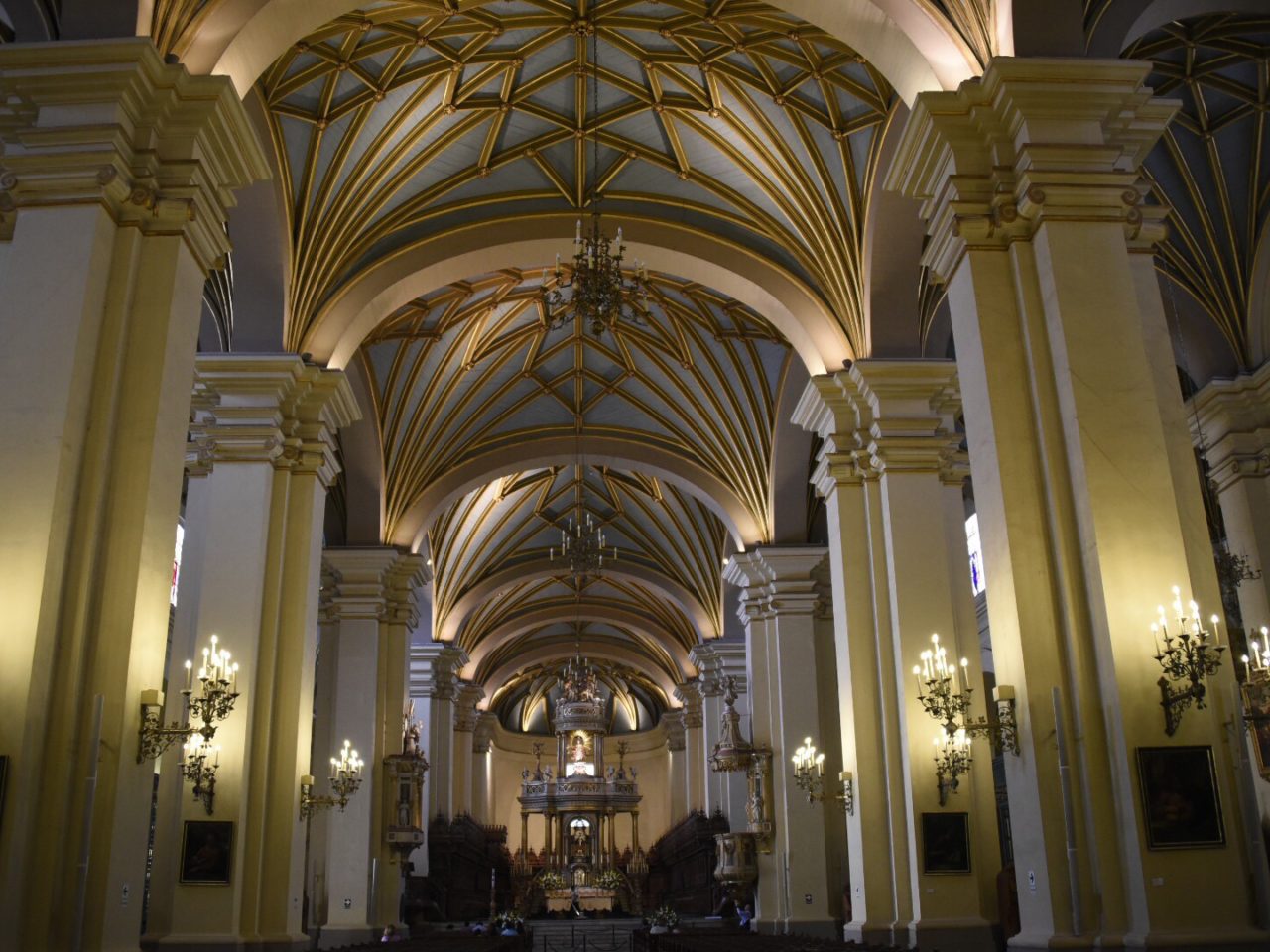
After breakfast at Miraflores Suites, we made our way across town to Lima’s city center for a sightseeing tour. We started at Plaza de Armas and saw the Government Palace, City Hall, the the painting and catacombs of the San Francisco Convent, and the beautiful chapels of the Cathedral of Lima (“Appreciate!”).
Following a traditional Peruvian fish lunch at El Bolivariano we learned about pre-Incan and Incan culture through the artifacts at the Museum of Archaeology & Anthropology.
Next, a visit to the Parque del Amour, a seaside park filled with the people of Lima and a couple of wedding photo sessions, too.
For dinner a walk down to Pardos Chicken for Pisco Sours and Peruvian Chicken, followed by shopping at a local grocery store called Wongs.
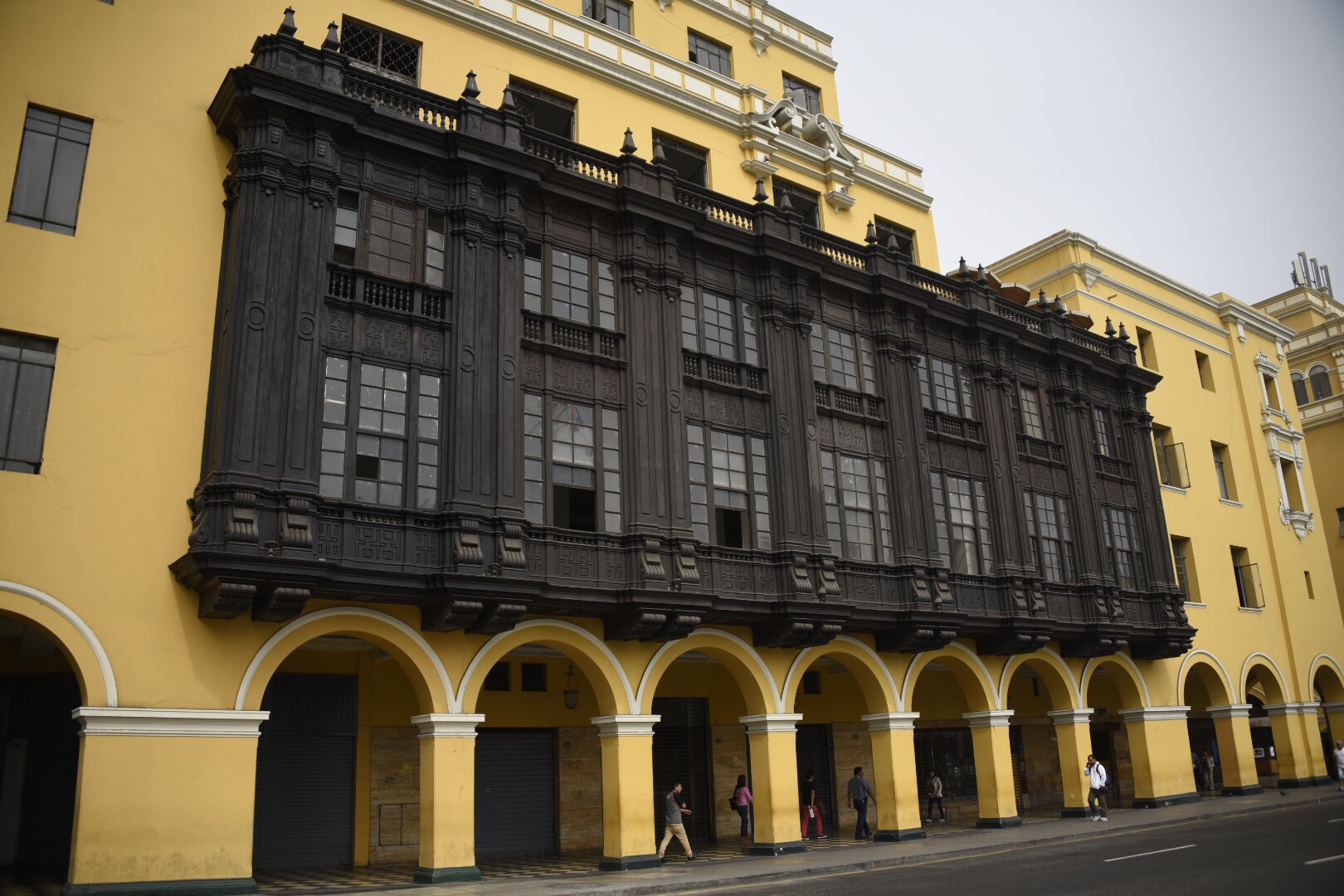
The Colonial architectural style in Plaza de Armas
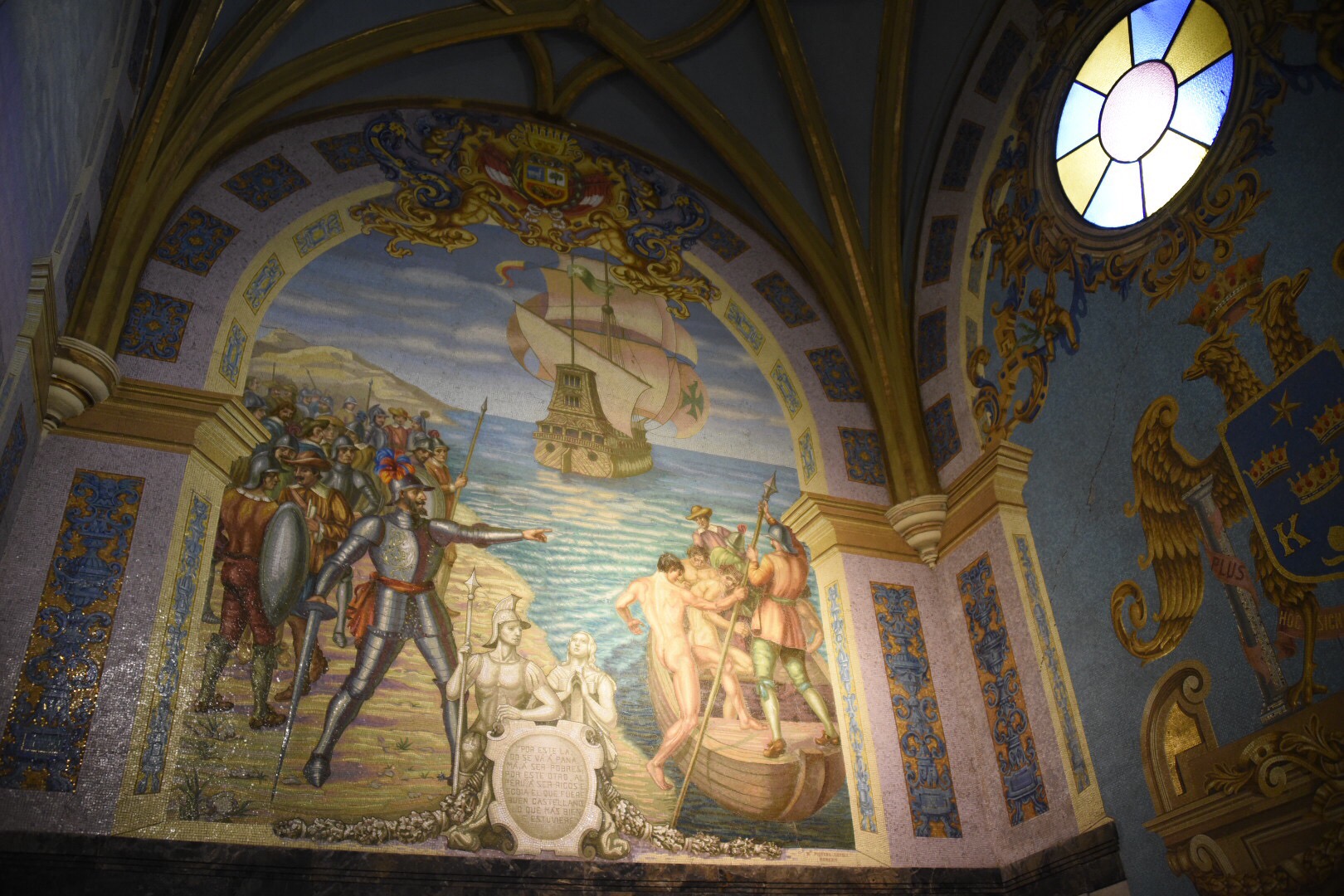
The ceiling of the Chapel of Francisco Pizarro in the Cathedral of Lima
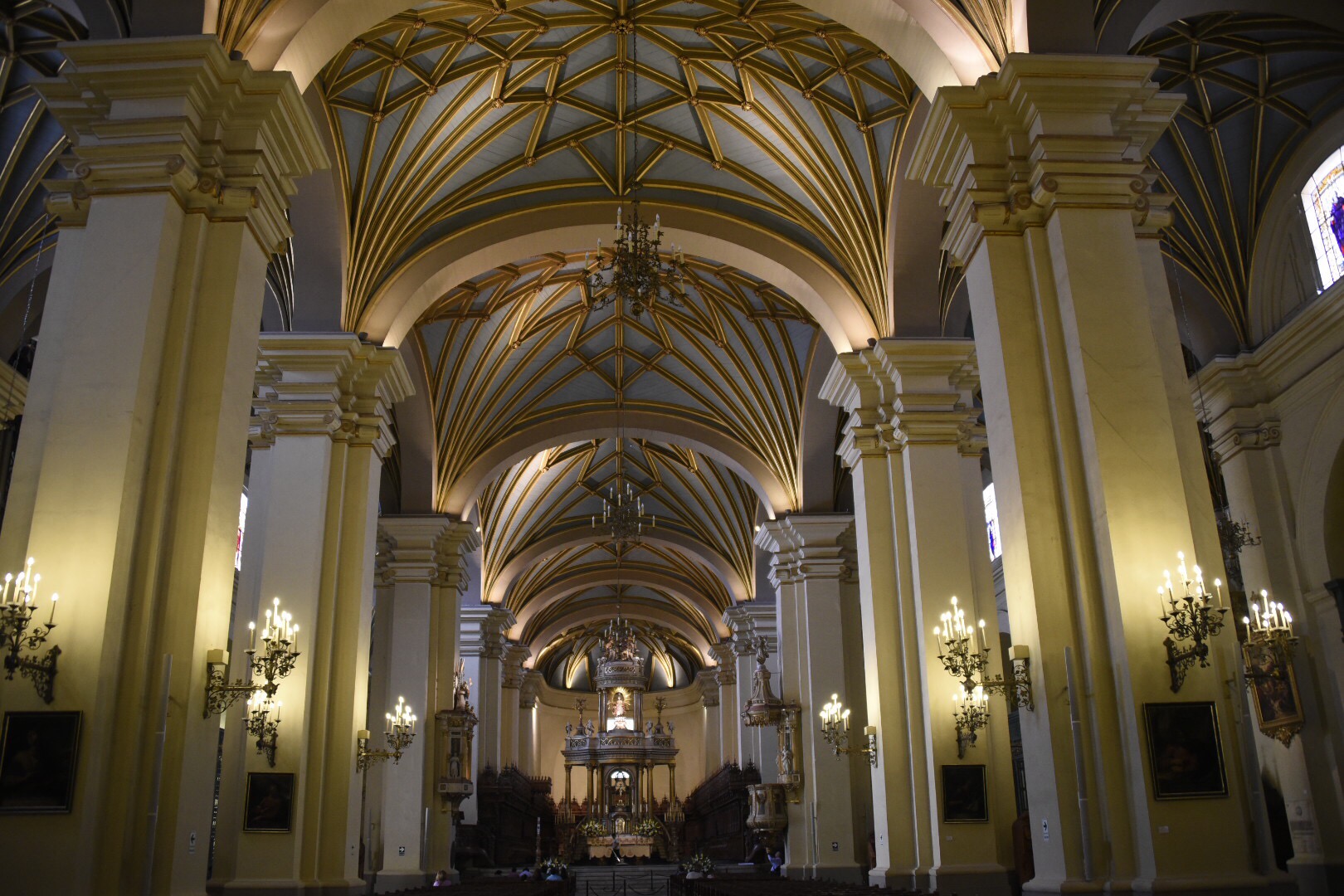
The Cathedral of Lima
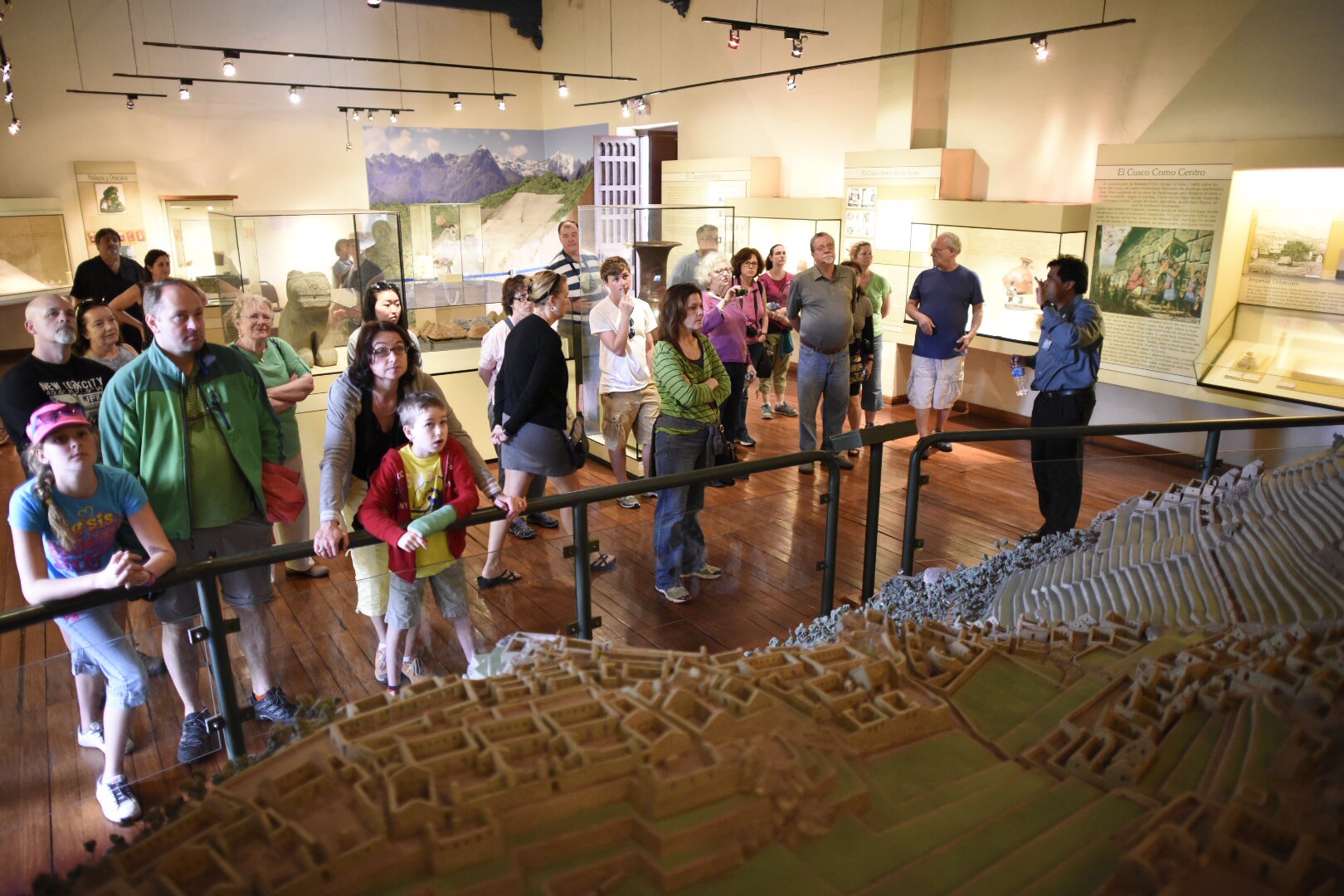
The Machu Picchu diarama at the Museum of Archaeology & Anthropolog
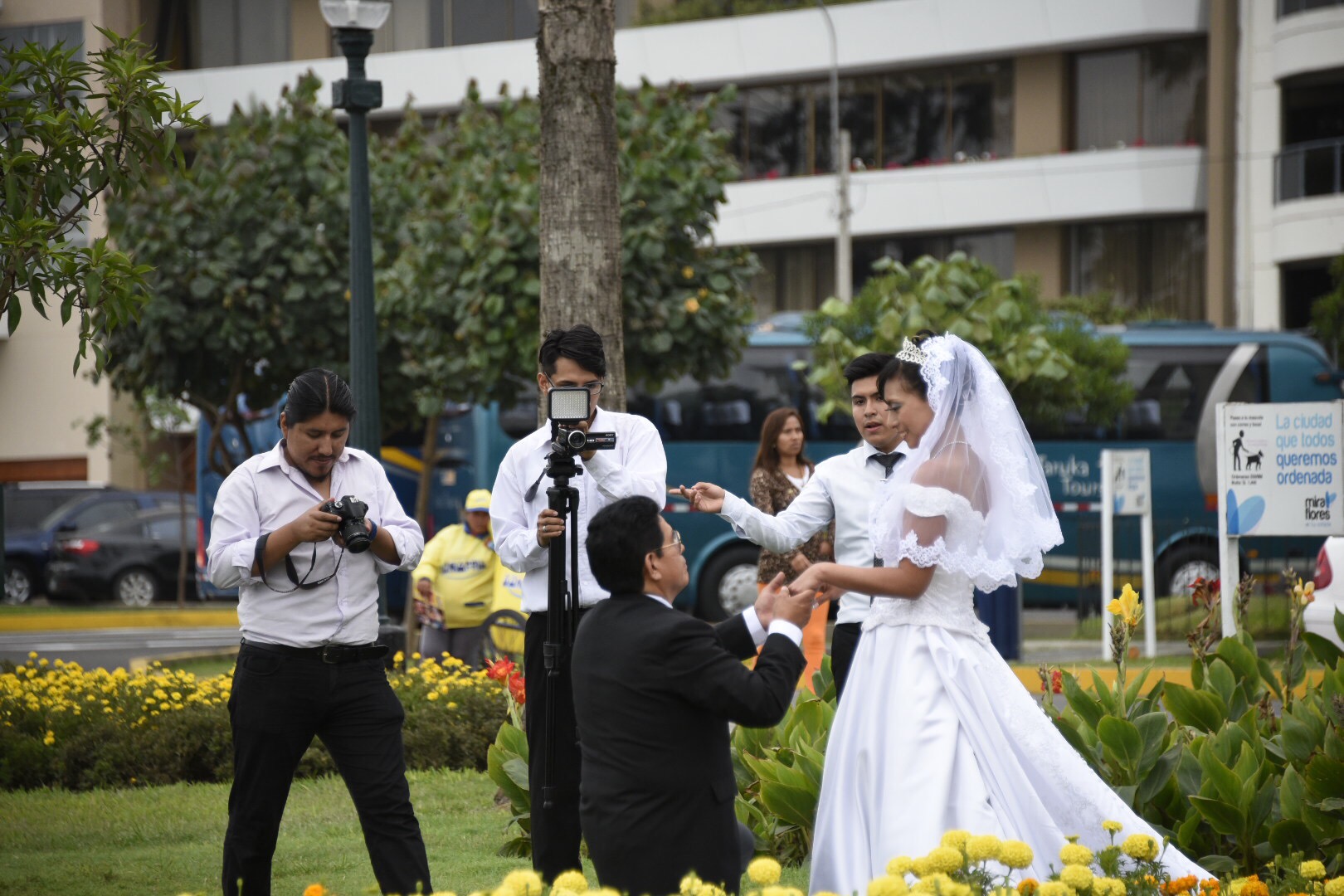
Wedding photos at Parque del Amour in Lima
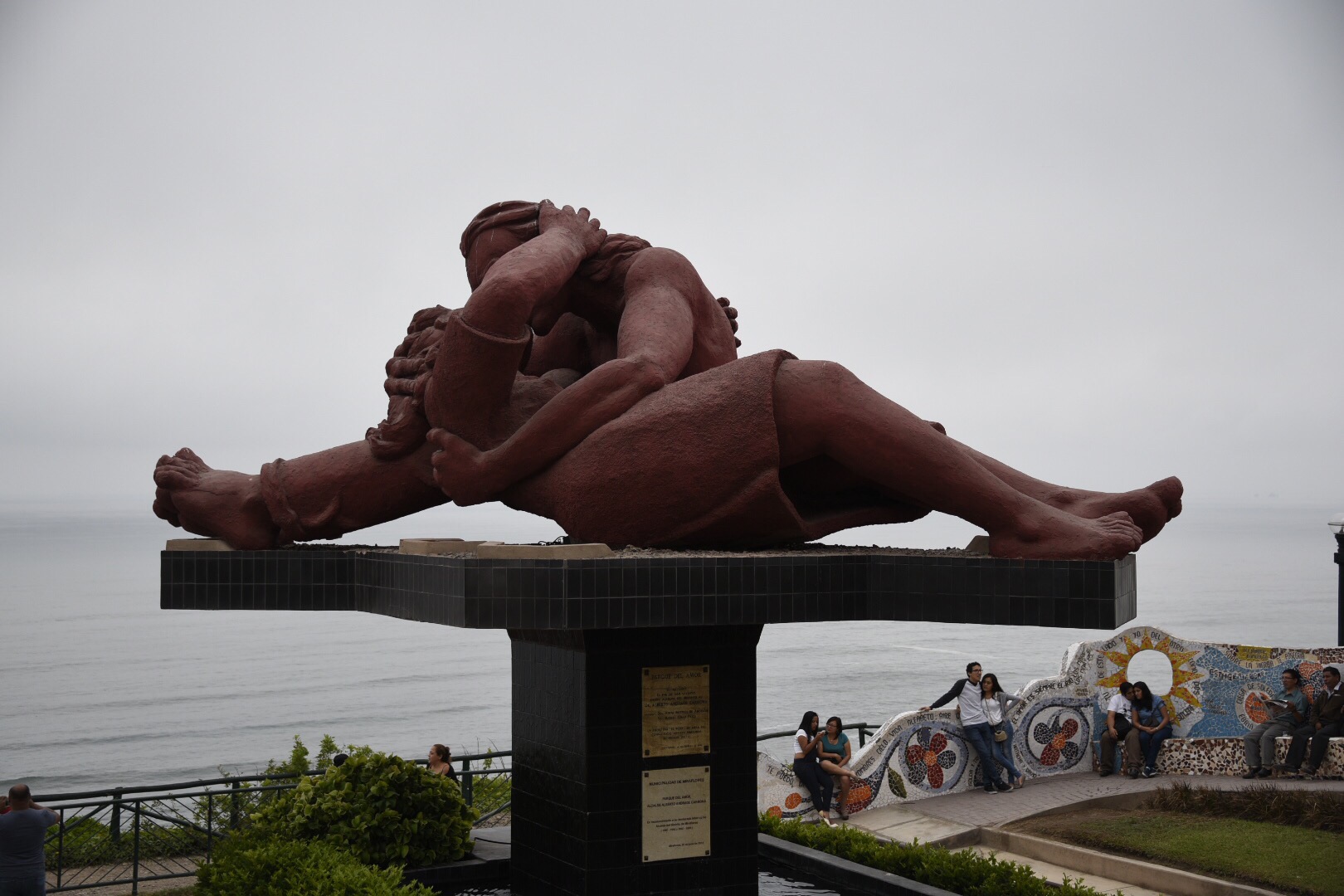
Parque del Amour
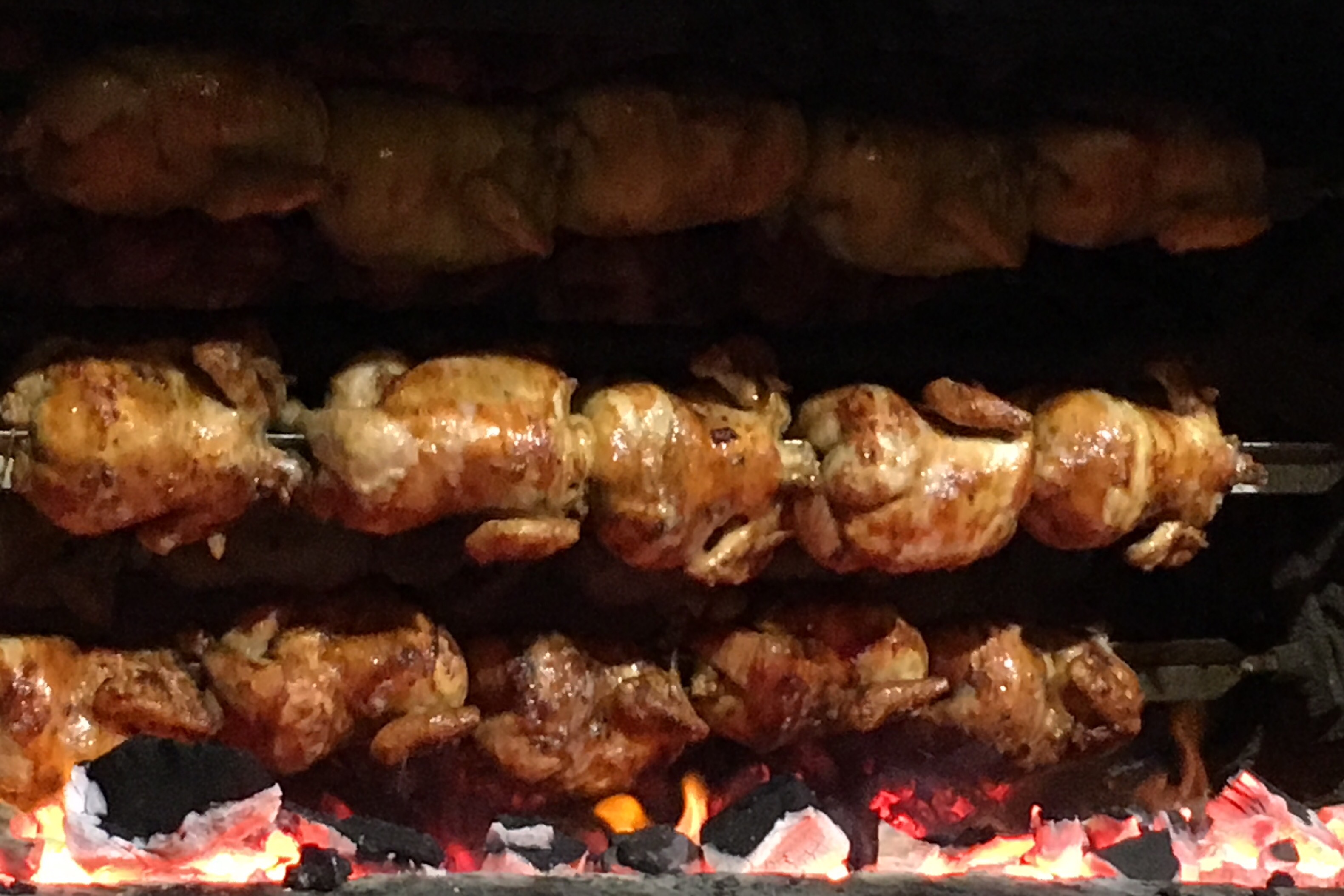
Peruvian Chicken roasting at Pardos Chicken


 Michael S. Liberman